A computer is made of several important parts that work together. Each part has a special job. When you understand the main parts of a computer, it becomes easier to use, maintain, and troubleshoot it.
The first major part is the monitor. The monitor is the screen that displays information. It allows you to see documents, websites, pictures, videos, and programs. Without a monitor, you would not be able to view what the computer is doing.
The second part is the keyboard. The keyboard is used to type letters, numbers, symbols, and commands. It helps you write documents, search online, enter passwords, and control many computer functions.
The third part is the mouse. The mouse is a pointing device that helps you move the cursor on the screen. You can click, double-click, right-click, drag, and scroll. Some computers use a touchpad instead of a mouse, especially laptops.
The fourth part is the system unit, sometimes called the computer tower or case. This is the box that holds many of the internal parts of a desktop computer. Inside the system unit are important components such as the motherboard, CPU, RAM, storage drive, and power supply.
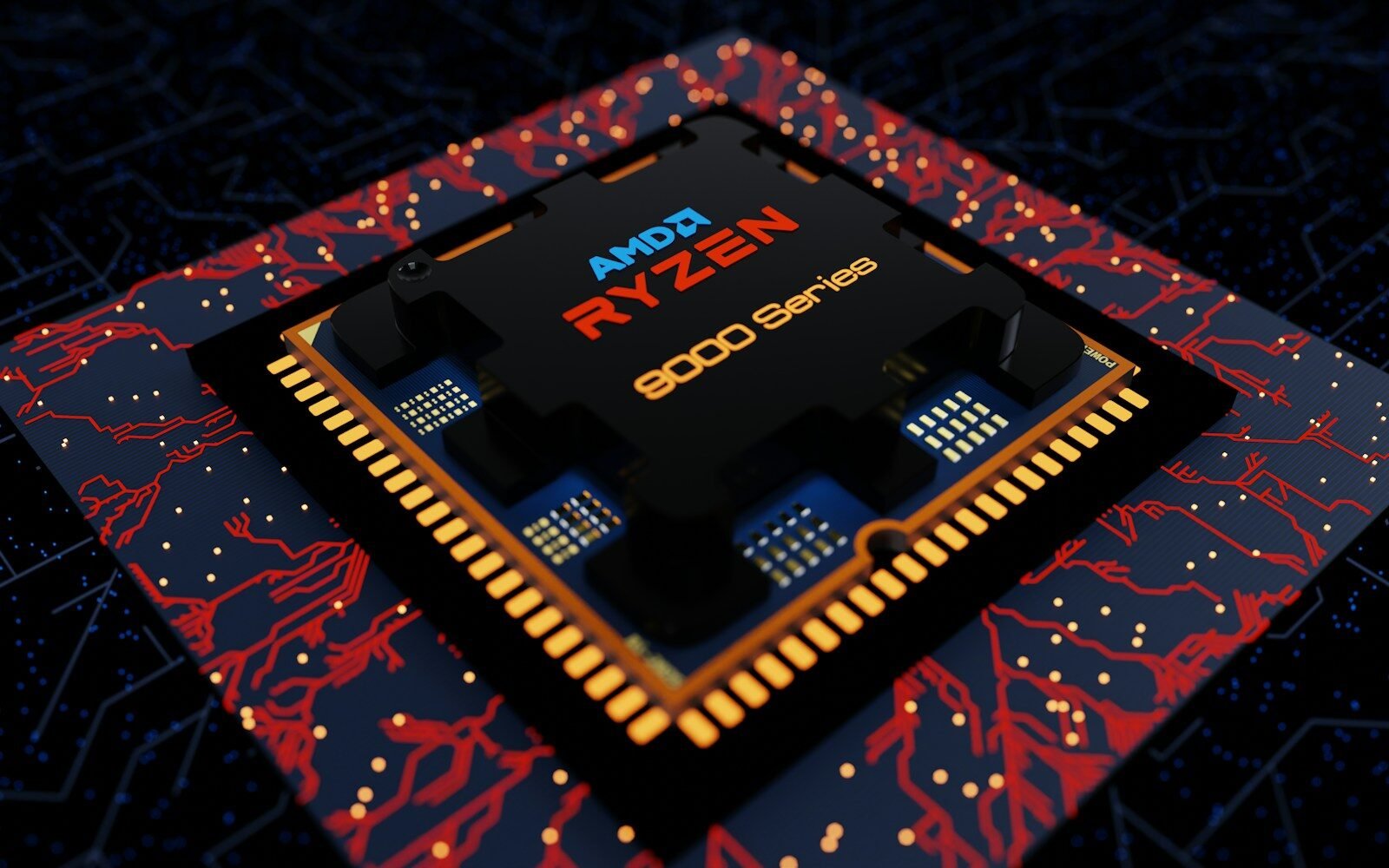
The CPU, or central processing unit, is often called the brain of the computer. It processes instructions and helps the computer perform tasks. A faster CPU can help a computer run programs more quickly.
RAM stands for random access memory. RAM is temporary memory that helps the computer work with active programs. When you open a document, browser, or application, the computer uses RAM to keep that information ready while you are working.
The storage drive keeps your files and programs. Older computers often use hard disk drives, also called HDDs. Newer computers often use solid-state drives, called SSDs. SSDs are usually faster and help the computer start and open programs more quickly.
The motherboard is the main circuit board. It connects all the parts of the computer so they can communicate with each other. The CPU, RAM, storage, and many other parts connect to the motherboard.
The power supply gives electricity to the computer. It changes power from the wall outlet into the type of power the computer parts need. Without the power supply, the computer cannot turn on.
There are also external devices, also called peripherals. These include printers, scanners, webcams, speakers, microphones, external drives, and headphones. They are not always required, but they add extra functions.
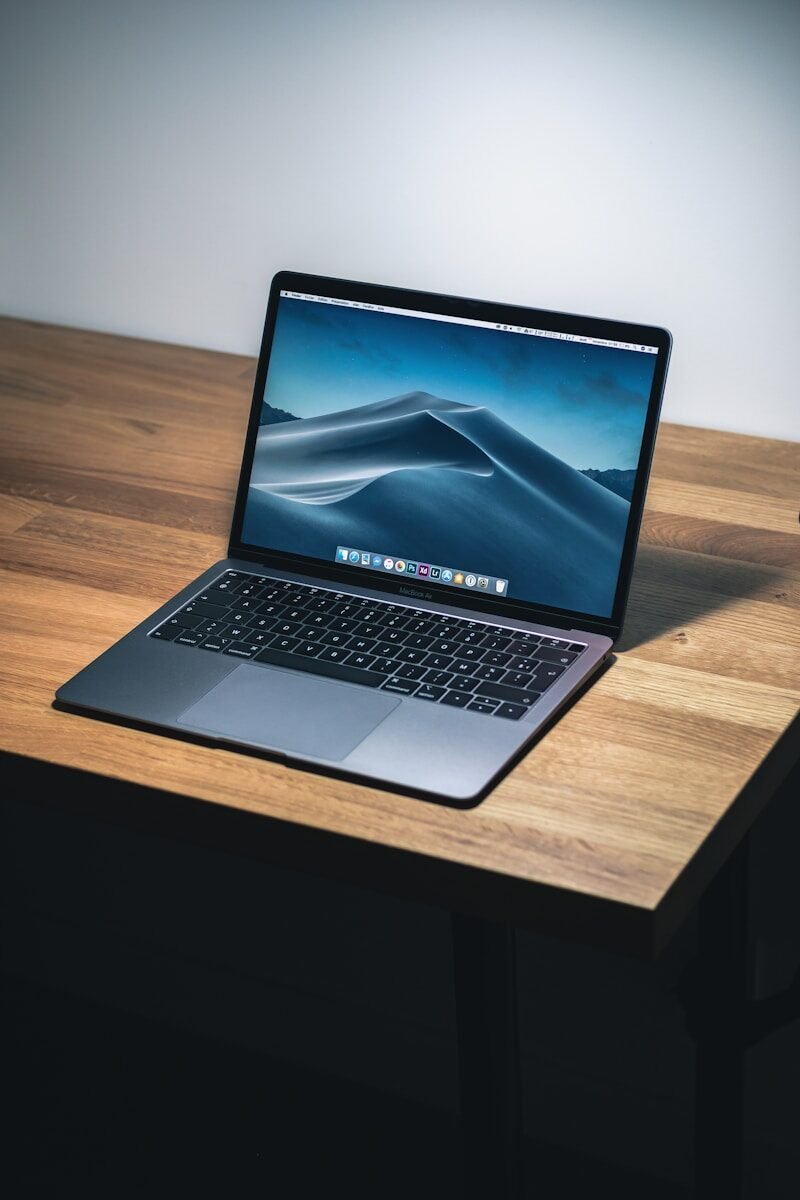
A laptop has many of these same parts, but they are built into one portable device. The monitor, keyboard, touchpad, battery, speakers, webcam, and internal components are all combined.
Understanding computer parts helps you become a better user. If your computer is slow, you may need more RAM or a better storage drive. If the screen is blank, the problem may involve the monitor, cable, or power. If the keyboard does not work, you can check the connection or battery.
In conclusion, the main parts of a computer include the monitor, keyboard, mouse, system unit, CPU, RAM, storage drive, motherboard, and power supply. These parts work like a team. When you know what each part does, the computer becomes less confusing and more useful.
Published by: All About Computer Website
Category: Computer Basics