Files and folders are basic parts of computer organization. When you understand them, it becomes easier to save your work, find documents, organize pictures, and manage information.
A file is a single item stored on a computer. A file can be a document, picture, song, video, spreadsheet, presentation, or program. For example, a resume created in Microsoft Word is a file. A photo from a phone is a file. A PDF book is also a file.
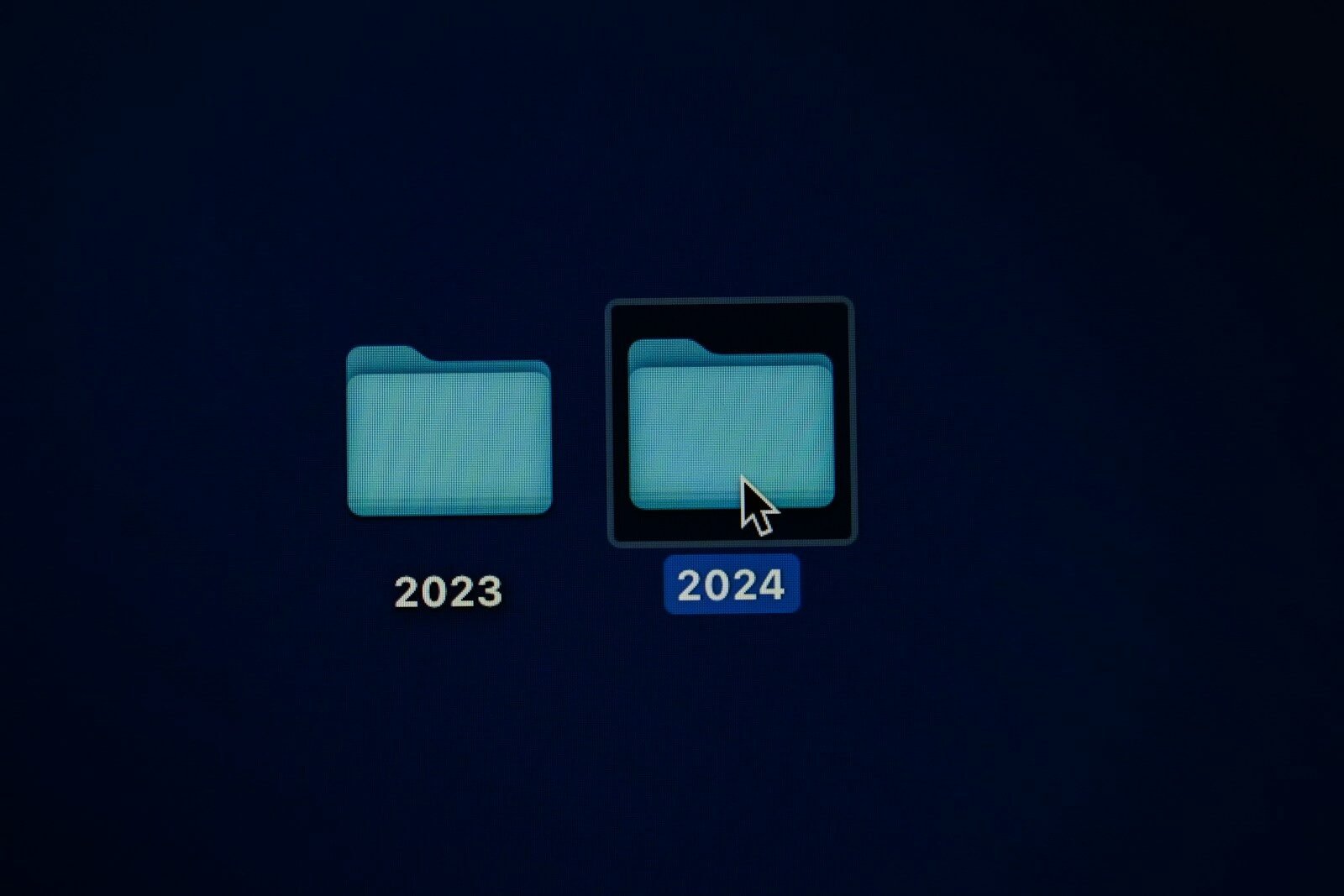
A folder is a container used to organize files. You can think of a folder like a drawer or box. Instead of leaving every file scattered everywhere, you place related files inside folders. For example, you may have a folder named “School,” another named “Pictures,” and another named “Work Documents.”
Folders can also contain other folders. These are called subfolders. For example, inside a folder named “Pictures,” you may create subfolders named “Family,” “Church,” “Vacation,” or “Events.” This makes your computer more organized.
Every file has a name. A good file name should be clear and easy to recognize. Instead of naming a document “file1,” it is better to name it “Ralph Resume 2026” or “Computer Lesson Notes.” A clear name helps you find the file later.
Files also have extensions. A file extension is the part at the end of a file name that shows the file type. For example, .docx is often a Word document, .pdf is a PDF file, .jpg or .png are image files, .mp3 is an audio file, and .mp4 is a video file. Some computers hide extensions, but they are still there.
Computers usually have common folders already created. These may include Documents, Downloads, Pictures, Music, Videos, and Desktop. The Documents folder is often used for written files. The Downloads folder stores files downloaded from the internet. The Pictures folder stores images.
The Desktop is the main screen you see after signing into the computer. It can hold shortcuts, files, and folders. However, too many items on the Desktop can make the computer feel messy. It is better to organize files into folders.
The File Explorer in Windows helps you view and manage files and folders. You can open File Explorer to search for files, create folders, move items, rename files, and delete things you no longer need.
It is important to save files in the right place. If you save everything in Downloads, it may become difficult to find important documents. If you save everything on the Desktop, it may become crowded. Good organization saves time.
You should also back up important files. A backup is an extra copy stored somewhere else, such as an external drive or cloud storage. This protects your work if the computer breaks, is lost, or gets infected by malware.
In conclusion, files are individual items, and folders are containers that organize those items. Learning how to name, save, arrange, and back up files is a basic but powerful computer skill. A well-organized computer is easier to use and less stressful.
Published by: All About Computer Website
Category: Computer Basics