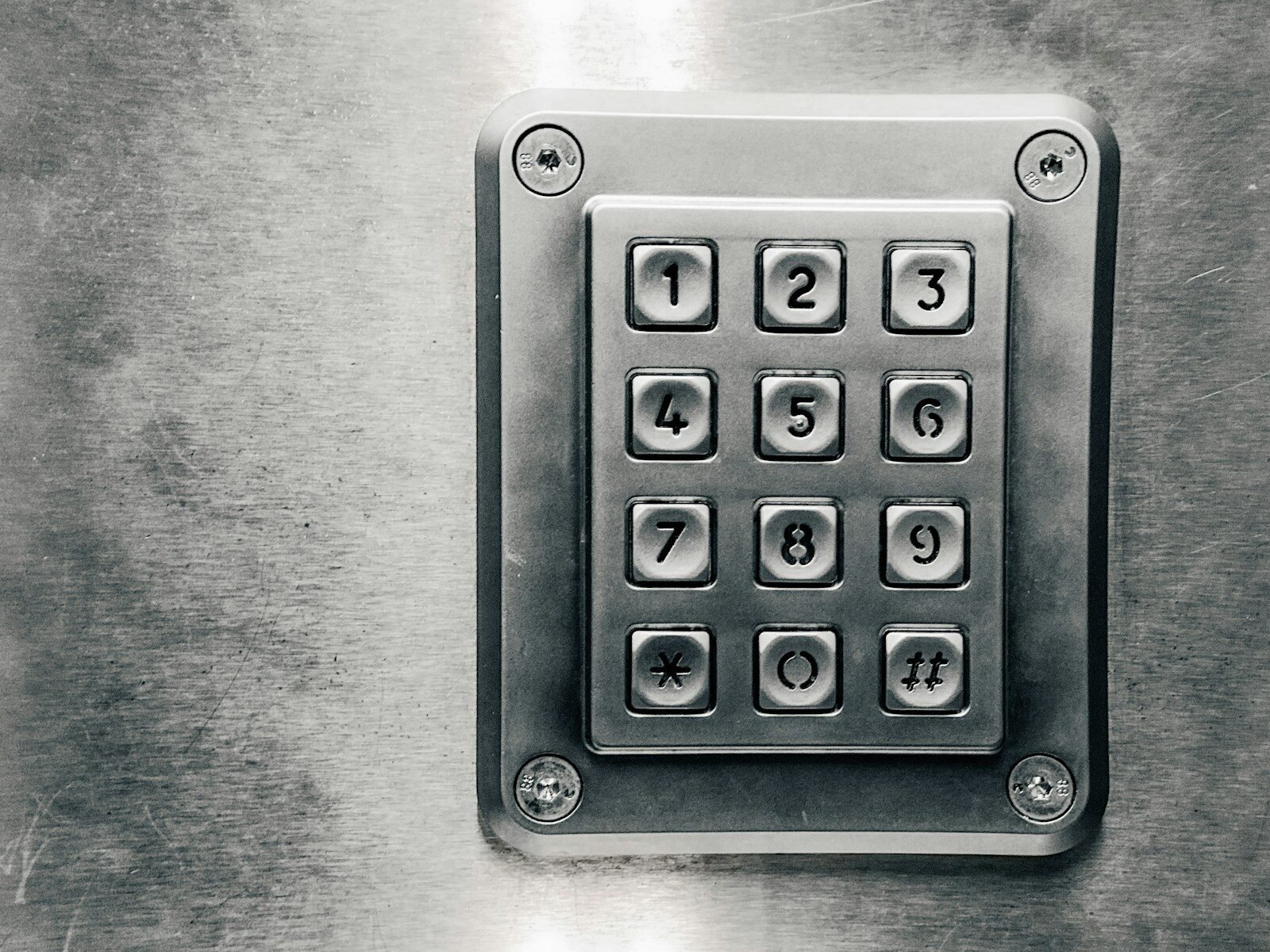
Two-factor authentication is an extra security step used when signing in to an account. It is often called 2FA. It helps protect your account even if someone knows your password.
Normally, signing in requires one factor: your password. Two-factor authentication adds a second factor. This second step may be a code sent to your phone, a code from an authenticator app, a security key, or a fingerprint.
For example, you may enter your email password first. Then the account asks for a six-digit code sent to your phone. Without that code, the login cannot continue. This makes it harder for a hacker to enter your account.
Two-factor authentication is important because passwords can be stolen. People may fall for phishing emails, use weak passwords, or accidentally expose login information. 2FA adds another wall of protection.
There are different types of 2FA. Text message codes are common. The service sends a code to your phone number. This is better than password-only protection, but it is not the strongest method.
Authenticator apps are often stronger. Apps like Google Authenticator, Microsoft Authenticator, or similar tools create codes that change regularly. These codes work even without receiving a text message.
Some accounts support security keys. A security key is a physical device you plug in or tap when signing in. This is a very strong form of protection.
Biometric authentication can also be used. This includes fingerprints or face recognition. Many phones and laptops use these features.
You should turn on two-factor authentication for important accounts. Start with email, banking, cloud storage, social media, school, work, and online shopping accounts.
When setting up 2FA, save backup codes if the service provides them. Backup codes help you get into your account if your phone is lost or broken. Keep backup codes in a safe place.
Be careful of fake 2FA requests. If you receive a login code you did not request, someone may be trying to access your account. Do not share the code with anyone.
No real company should ask you to tell them your 2FA code by phone, text, or email. A scammer may pretend to help you and ask for the code. Never give it away.
In conclusion, two-factor authentication adds a second step to account login. It makes your accounts much safer than using only a password. Turning on 2FA is one of the best simple actions you can take to protect yourself online.
Published by: All About Computer Website
Category: Cybersecurity