A web browser is a program used to visit websites on the internet. It is one of the most important tools on a computer, phone, or tablet. Without a web browser, most people would not be able to read websites, watch online videos, search for information, or use many online services.
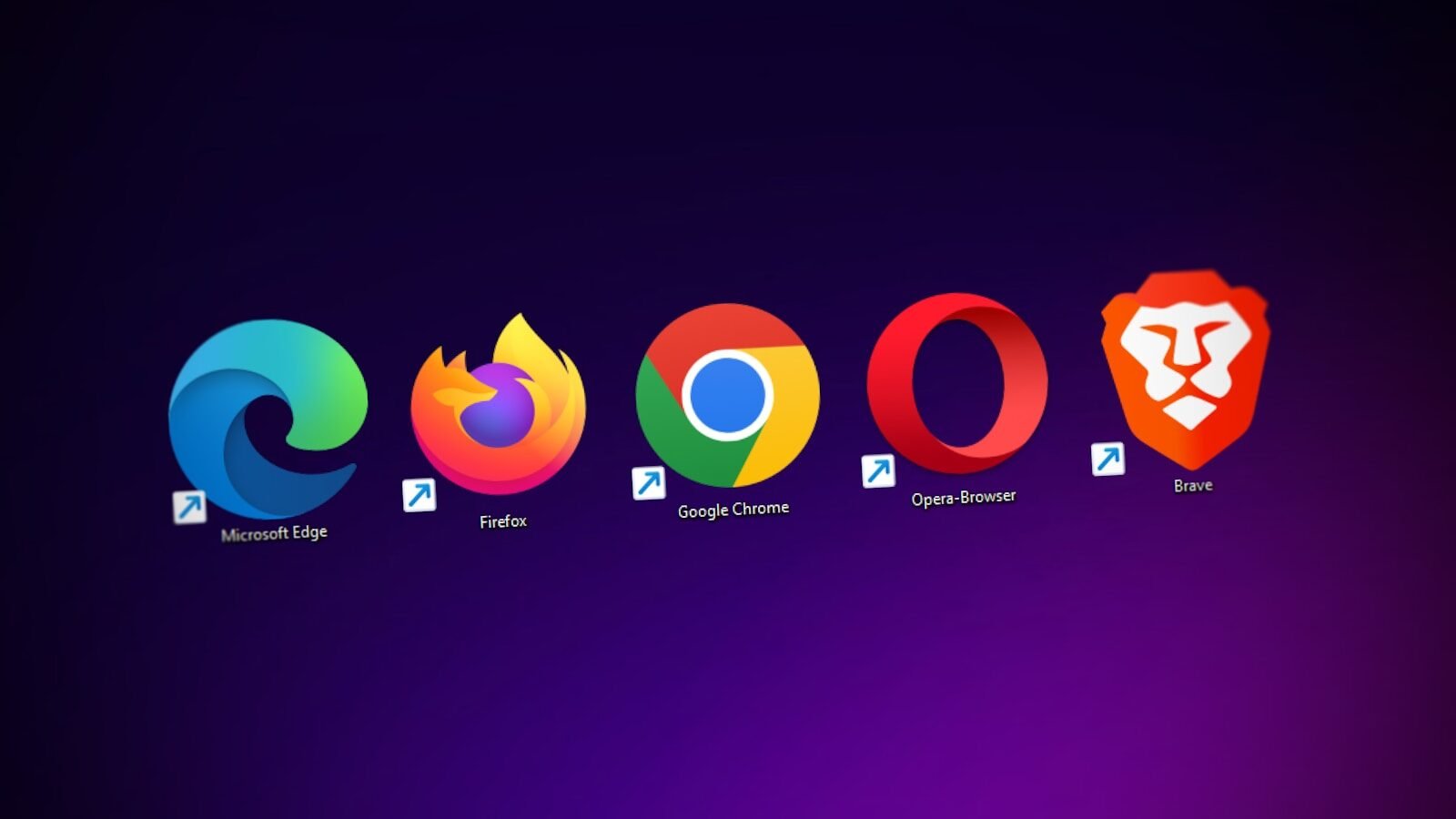
Common web browsers include Google Chrome, Microsoft Edge, Mozilla Firefox, Safari, and Opera. Each browser has a slightly different design, but they all help users access the web.
A browser works by taking a website address and showing the website on your screen. A website address is also called a URL. For example, when you type a website name into the address bar and press Enter, the browser finds that website and loads it.
The address bar is usually near the top of the browser. You can type a website address there or type search words. Many browsers allow the address bar to work as a search box too.
Browsers use tabs. A tab lets you open more than one webpage in the same browser window. For example, you can open email in one tab, a lesson in another tab, and a search page in another tab. Too many tabs, however, can slow down the computer.
The back and forward buttons help you move between pages you have visited. The refresh button reloads the page. The home button, if available, takes you to your chosen start page.
Bookmarks, also called favorites, help you save websites you want to visit again. If you often use a school website, church website, email page, or learning site, you can bookmark it.
Browsers can also download files. When you click a download link, the browser saves the file to your computer, often in the Downloads folder. Be careful to download files only from trusted websites.
Browsers also store history. History is a list of websites visited. This can help you find a page again, but it can also affect privacy. You can clear browser history in settings.
Extensions are extra tools added to a browser. Some extensions are useful, such as grammar tools or password managers. Others may slow down the browser or create security risks. Install only trusted extensions.
Keeping your browser updated is important. Updates fix security problems and help websites work correctly. Most modern browsers update automatically, but it is still good to check.
In conclusion, a web browser is the door to the World Wide Web. It lets you visit websites, search for information, open tabs, save bookmarks, download files, and use online services. Learning how to use a browser well is one of the most important internet skills for beginners.
Published by: All About Computer Website
Category: Internet and Email