A computer is made of many parts, but these parts do not work alone. They work together as a system. Understanding how computer parts work together helps beginners see the computer as one organized machine.
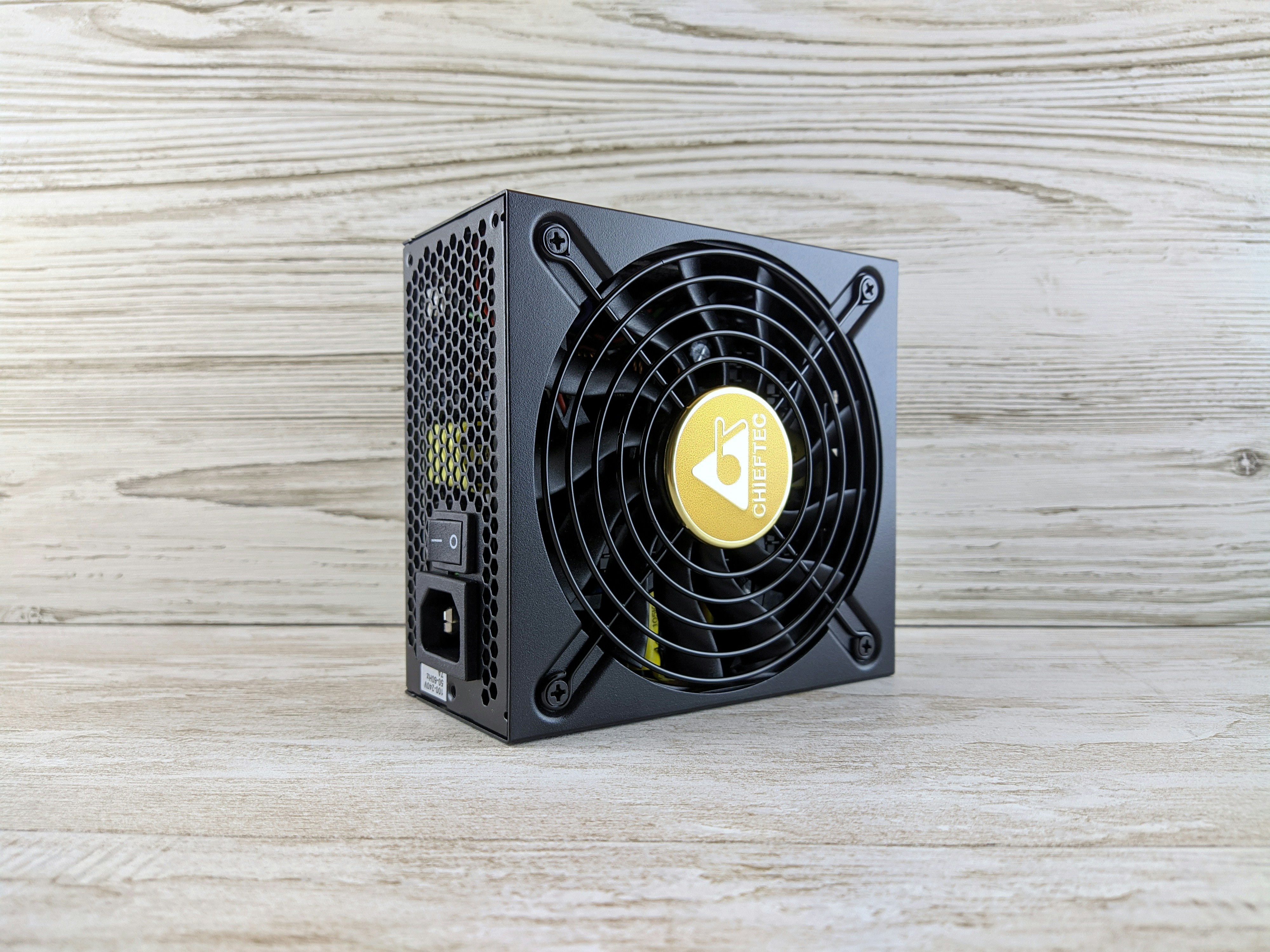
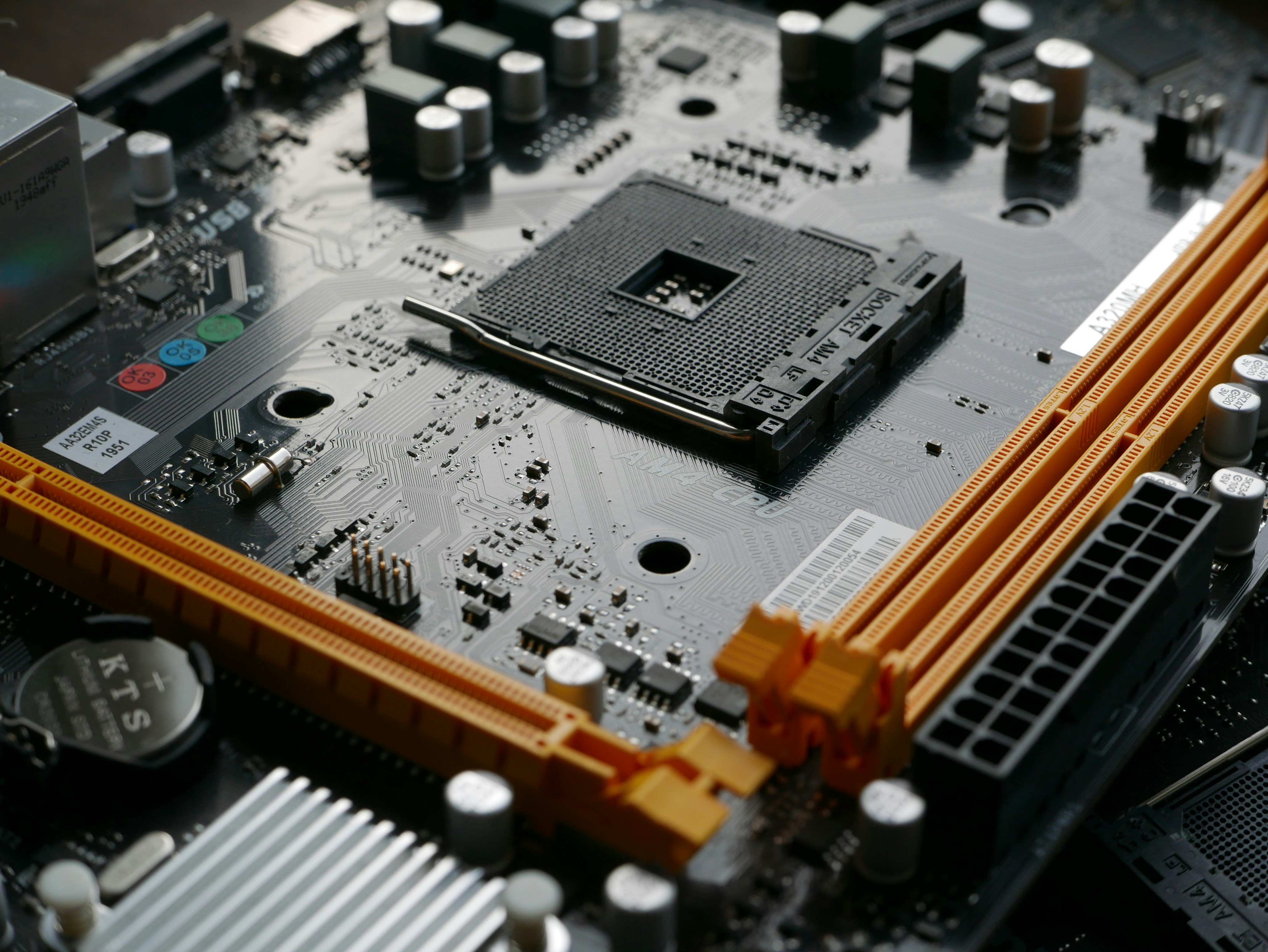
When you press the power button, the power supply sends electricity to the motherboard and other components. The motherboard connects the parts and allows them to communicate.
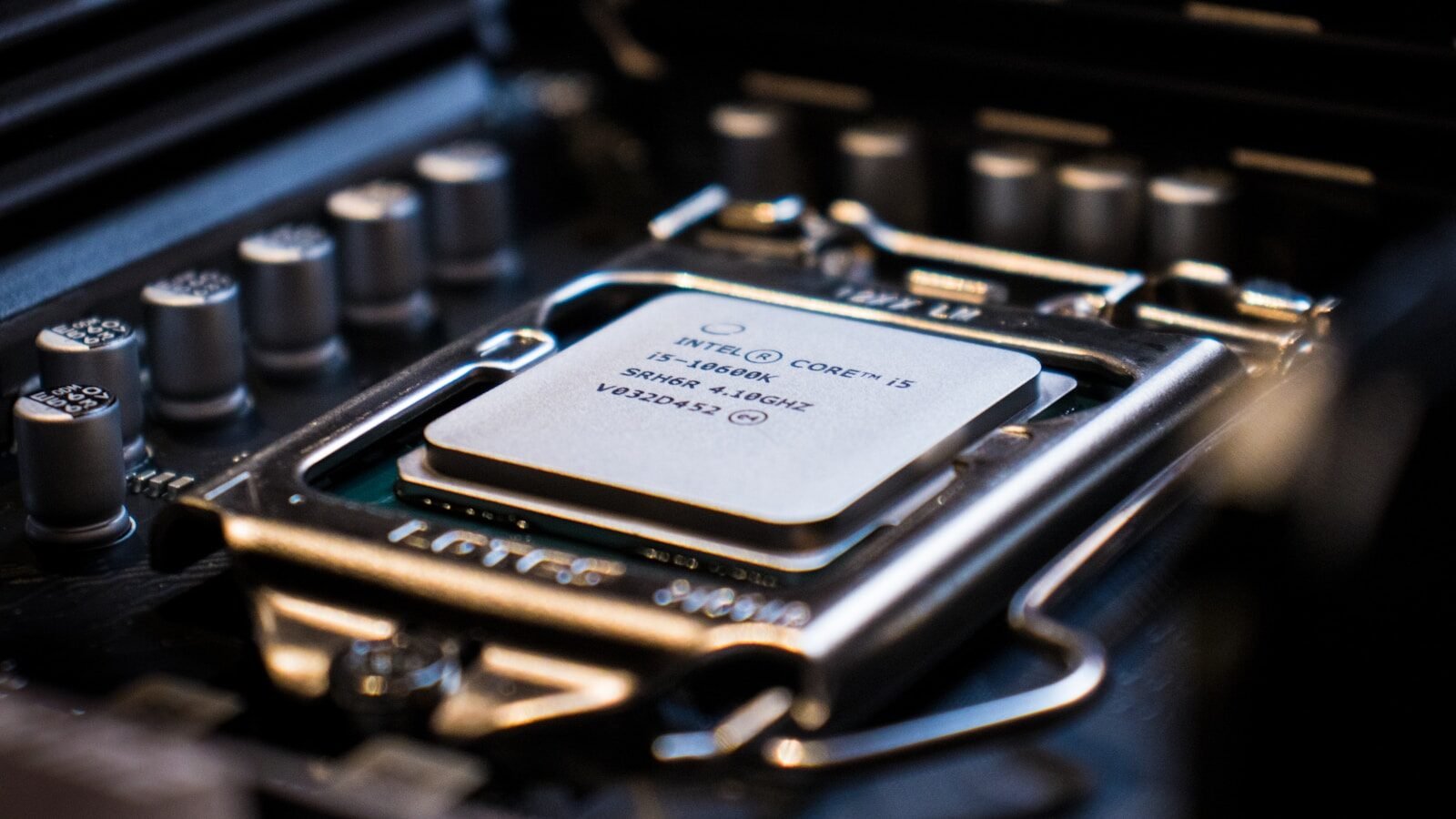
The CPU begins processing instructions. It works with the BIOS or UEFI system to check the basic hardware. Then the computer loads the operating system, such as Windows, from the storage drive into memory.
The storage drive keeps the operating system, programs, and files. When the computer starts, it reads information from the storage drive. If the computer uses an SSD, this process is usually faster than with an older HDD.
RAM helps the computer work with active information. When you open a program, the computer loads parts of that program into RAM. This allows the CPU to access information quickly while you work.
The CPU processes instructions from the program. For example, if you type a sentence in a document, the keyboard sends input to the computer. The CPU processes that input, RAM helps keep the document active, and the monitor displays the letters.
The monitor shows output. It lets you see what the computer is doing. The graphics system helps create the image on the screen. Some computers use integrated graphics, while others use a dedicated graphics card.
The keyboard and mouse provide input. They allow you to control the computer. The keyboard sends typed letters and commands. The mouse sends movement, clicks, and selections.
USB ports allow extra devices to connect. A printer, flash drive, webcam, keyboard, mouse, or external storage drive may connect through USB. The motherboard and operating system help recognize these devices.
A printer can receive information from the computer and place it on paper. A scanner can send paper information into the computer as a digital file. Speakers produce sound, and a microphone records sound.
The operating system manages all these activities. It helps the hardware and software work together. It controls files, memory, devices, security, programs, and the user interface.
For example, imagine opening a photo. The storage drive holds the photo file. The operating system finds it. RAM loads it temporarily. The CPU processes the request. The graphics system prepares the image. The monitor displays it. All of this happens quickly.
If one part has a problem, the whole computer can be affected. If RAM is too low, the computer may slow down. If the storage drive fails, files may be lost. If the power supply is weak, the computer may shut down. If the monitor is disconnected, you may not see anything.
This is why computer maintenance is important. Keeping software updated, protecting against viruses, cleaning dust, organizing files, and backing up data all help the system work better.
In conclusion, computer parts work together like a team. The power supply provides electricity, the motherboard connects parts, the CPU processes instructions, RAM supports active work, storage keeps files, and input and output devices help the user interact with the machine. When all parts work properly, the computer becomes a powerful tool for learning, working, and creating.
Published by: All About Computer Website
Category: Computer Components