USB ports are connection points on a computer that allow you to plug in many different devices. USB stands for Universal Serial Bus. It is one of the most common ways to connect devices to computers.
USB ports are used for keyboards, mice, printers, scanners, flash drives, external hard drives, cameras, phones, microphones, webcams, and many other devices. They make it easy for computers and devices to communicate.
A USB port can transfer data. For example, if you plug in a flash drive, you can copy files from the computer to the drive or from the drive to the computer. USB ports can also provide power. For example, many phones can charge when connected to a USB port.
There are different types of USB ports. USB-A is the older and common rectangular port. Many keyboards, mice, and flash drives use USB-A. USB-C is newer, smaller, and reversible, which means it can be plugged in either way. Many modern laptops, phones, and tablets use USB-C.
Older USB versions are slower, while newer versions are faster. USB 2.0 is common for basic devices such as keyboards and mice. USB 3.0 and newer versions can transfer data much faster. Faster USB ports are useful for external drives and large files.
Some USB ports are marked with blue color or special symbols to show they support faster speeds. However, the exact color or symbol may vary depending on the computer manufacturer.
USB ports can also support adapters. For example, a USB-C port may connect to an adapter for HDMI, Ethernet, or extra USB ports. This is useful for modern thin laptops that have fewer built-in ports.
A USB hub is a device that adds more USB ports. If your computer does not have enough ports, you can connect a hub. Some hubs are simple, while others provide extra power for connected devices.
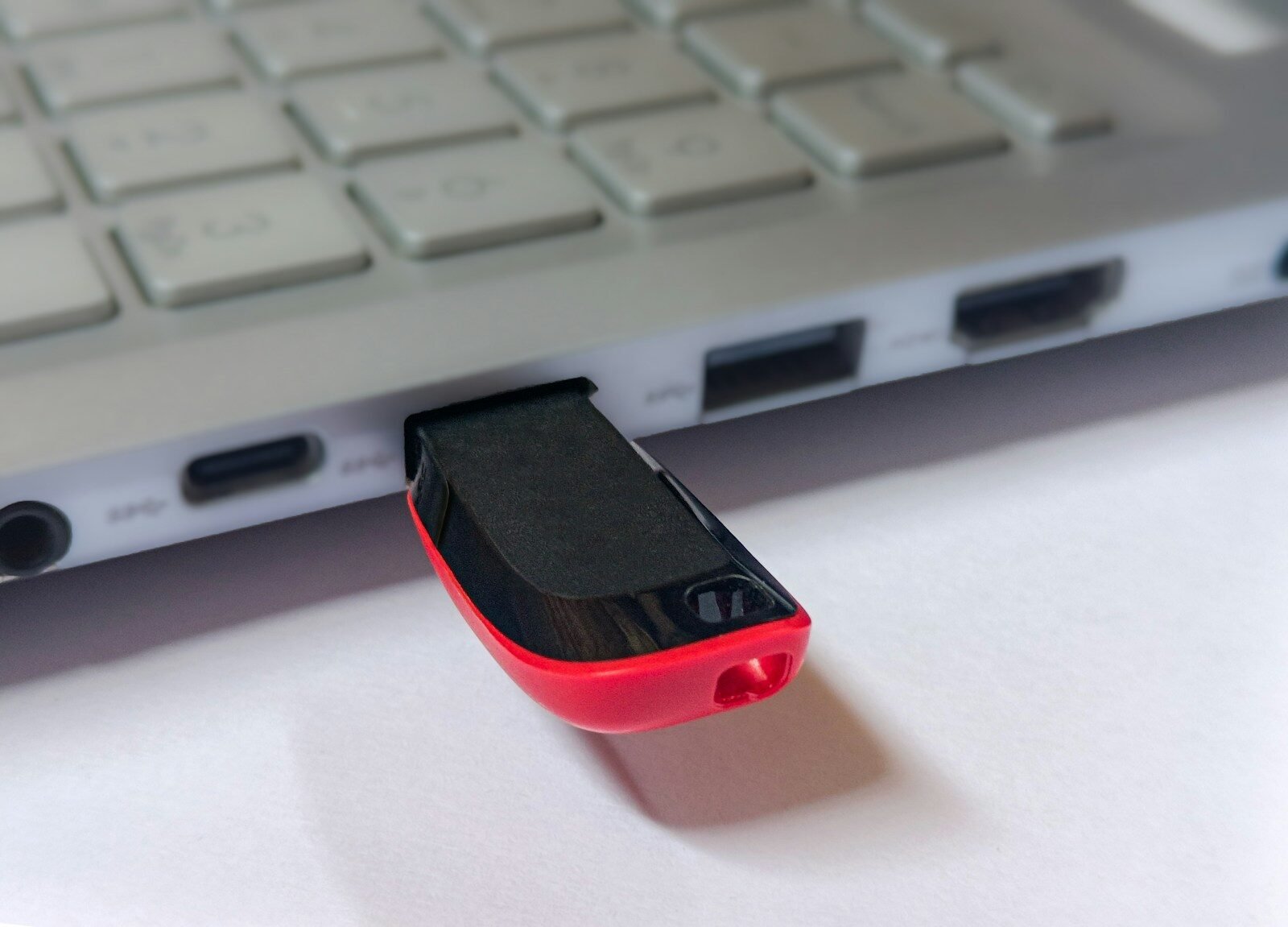
USB flash drives are small storage devices that plug into USB ports. They are useful for transferring documents, pictures, and other files. However, it is important to safely eject a flash drive before removing it to prevent file damage.
To safely remove a USB drive in Windows, click the USB icon near the taskbar and choose the eject option. After the computer says it is safe, you can unplug the drive.
Sometimes USB devices do not work. The problem may be a damaged cable, loose connection, bad port, missing driver, or faulty device. Try another USB port, restart the computer, or test the device on another computer.
Keep USB ports clean and avoid forcing plugs into them. If a plug does not fit, check the shape. Forcing it may damage the port.
In conclusion, USB ports are very useful connections that allow computers to work with many devices. They transfer data, provide power, and support daily computer tasks. Understanding USB ports helps beginners connect and use devices with confidence.
Published by: All About Computer Website
Category: Computer Components