A slow computer is one of the most common problems people face. It can be frustrating when programs take too long to open, websites load slowly, or the computer freezes during simple tasks. The good news is that many causes of a slow computer can be understood and fixed with basic steps.
One common reason a computer runs slowly is that too many programs are open at the same time. Every open program uses memory and processing power. If your computer does not have enough RAM, it may struggle to handle many tasks together. Closing programs you are not using can help.
Another reason is too many startup programs. Some programs automatically start when the computer turns on. If many programs start at once, the computer may take a long time to become ready. You can improve speed by disabling unnecessary startup programs.
Low storage space can also slow down a computer. When the hard drive or SSD is almost full, the computer may not have enough room to work properly. Deleting old files, emptying the Recycle Bin, uninstalling unused programs, and moving large files to an external drive can help.
Malware or viruses can make a computer very slow. Harmful software may run in the background, use computer resources, or cause strange behavior. Running a security scan with trusted antivirus software is a wise step.
An old hard drive can also cause slow performance. Computers with traditional hard disk drives, also called HDDs, may feel slower than computers with solid-state drives, also called SSDs. Upgrading from an HDD to an SSD can make a major difference.
Software updates can also affect speed. Sometimes a computer slows down because it is installing updates in the background. Other times, the computer is slow because it has not been updated in a long time. Keeping the operating system and programs updated can improve stability and security.
Too many browser tabs can slow down a computer. Web browsers use memory, especially when many tabs are open. Closing unused tabs can improve performance.
Dust and heat may also cause problems. If a computer overheats, it may slow itself down to prevent damage. Keep vents clear, avoid using laptops on soft surfaces, and clean dust carefully.
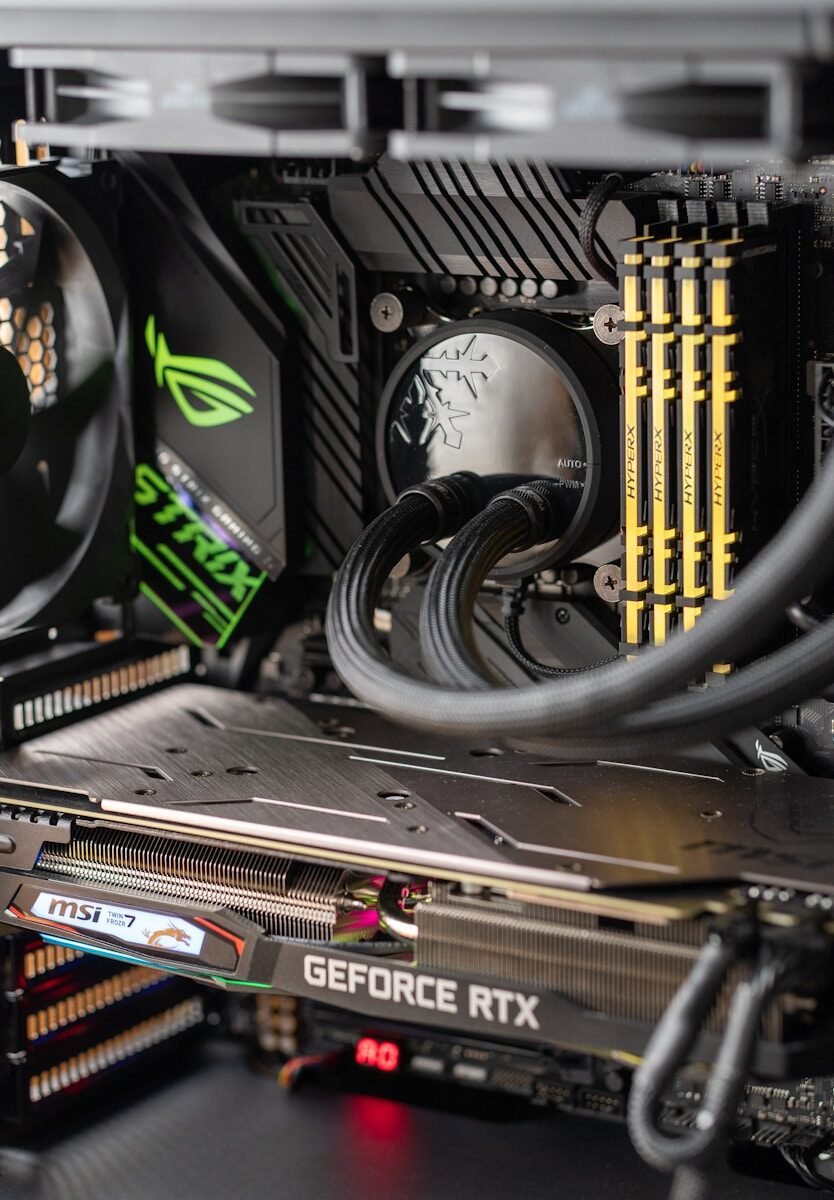
Sometimes the computer is slow because it is old and cannot handle modern programs well. In this case, adding RAM, installing an SSD, or replacing the computer may be necessary.
To troubleshoot a slow computer, start with simple steps. Restart the computer. Close programs you are not using. Check storage space. Remove unwanted programs. Run a virus scan. Update the system. If the computer is still slow, consider hardware upgrades or professional help.
In conclusion, a slow computer can be caused by too many programs, low storage, malware, old hardware, background updates, or overheating. By checking each possible cause step by step, you can often improve performance and make the computer easier to use.
Published by: All About Computer Website
Category: Computer Troubleshooting