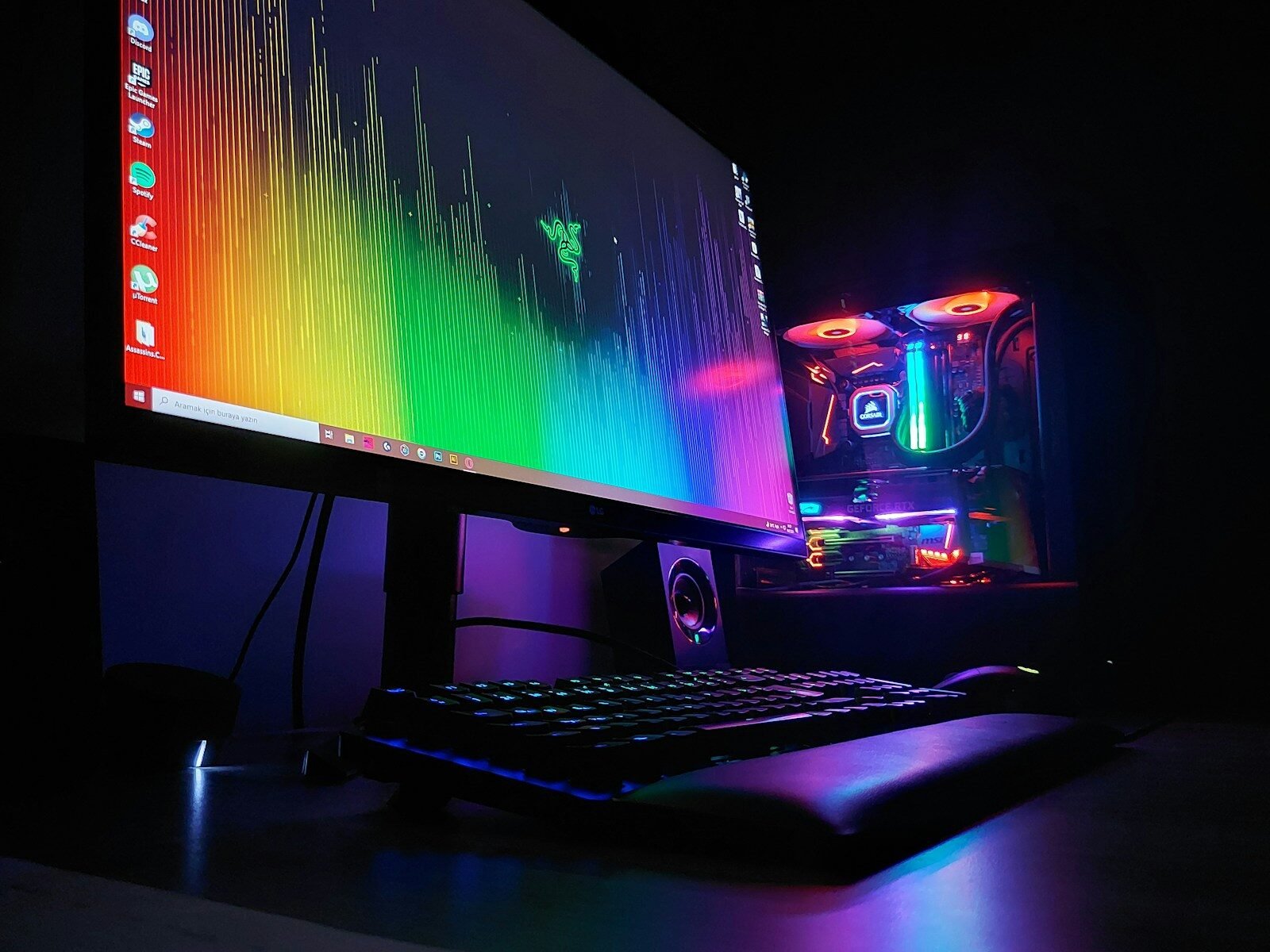
A computer monitor is the screen that displays information from the computer. It allows you to see documents, websites, videos, pictures, programs, games, and messages. Without a monitor, using a desktop computer would be very difficult.
The monitor is an output device. This means it shows results from the computer. When you type a letter, move the mouse, open a file, or watch a video, the monitor displays what is happening.
Monitors come in different sizes. Size is usually measured diagonally in inches. Common monitor sizes include 21 inches, 24 inches, 27 inches, and larger. A bigger monitor can make reading, design, study, and multitasking easier.
Resolution is another important feature. Resolution means the number of pixels on the screen. Pixels are tiny points of light that create the image. Common resolutions include HD, Full HD, Quad HD, and 4K. A higher resolution usually gives a sharper picture.
Refresh rate is also important for some users. It measures how many times the screen updates each second, usually written in hertz, or Hz. A 60 Hz monitor is fine for many basic tasks. Gamers may prefer 120 Hz, 144 Hz, or higher for smoother motion.
Brightness and color quality can affect how comfortable the monitor is to use. Good brightness helps in bright rooms. Good color quality is important for photo editing, video work, and design.
Monitors connect to computers using cables. Common connection types include HDMI, DisplayPort, VGA, and DVI. HDMI and DisplayPort are common on modern computers. VGA is older but still appears on some devices.
Some monitors have built-in speakers, but many do not. External speakers or headphones may be needed for sound. Some monitors also have USB ports, webcams, or adjustable stands.
An adjustable monitor stand can improve comfort. Being able to raise, lower, tilt, or rotate the monitor helps users sit properly. Good posture can reduce neck and eye strain.
The monitor should be placed at a comfortable distance. The top of the screen should usually be near eye level. Avoid placing the screen too close to your face. Take breaks to rest your eyes, especially during long computer sessions.
A laptop has a built-in monitor. Some laptop users connect an external monitor for a larger screen. This is helpful for work, school, design, and multitasking.
Common monitor problems include a blank screen, blurry display, flickering, wrong colors, or no signal messages. These problems may be caused by loose cables, wrong input settings, outdated drivers, or hardware failure.
Before replacing a monitor, check simple things first. Make sure it is plugged in, turned on, connected to the computer, and set to the correct input source.
In conclusion, a computer monitor is the screen that lets you see and interact with the computer. Size, resolution, connection type, and comfort features are important. A good monitor can make computer use easier, clearer, and more comfortable.
Published by: All About Computer Website
Category: Computer Components