Windows is one of the most common operating systems used on personal computers. Many schools, offices, homes, churches, and businesses use Windows because it is familiar and supports many programs. Learning Windows basics is an important step for beginners.
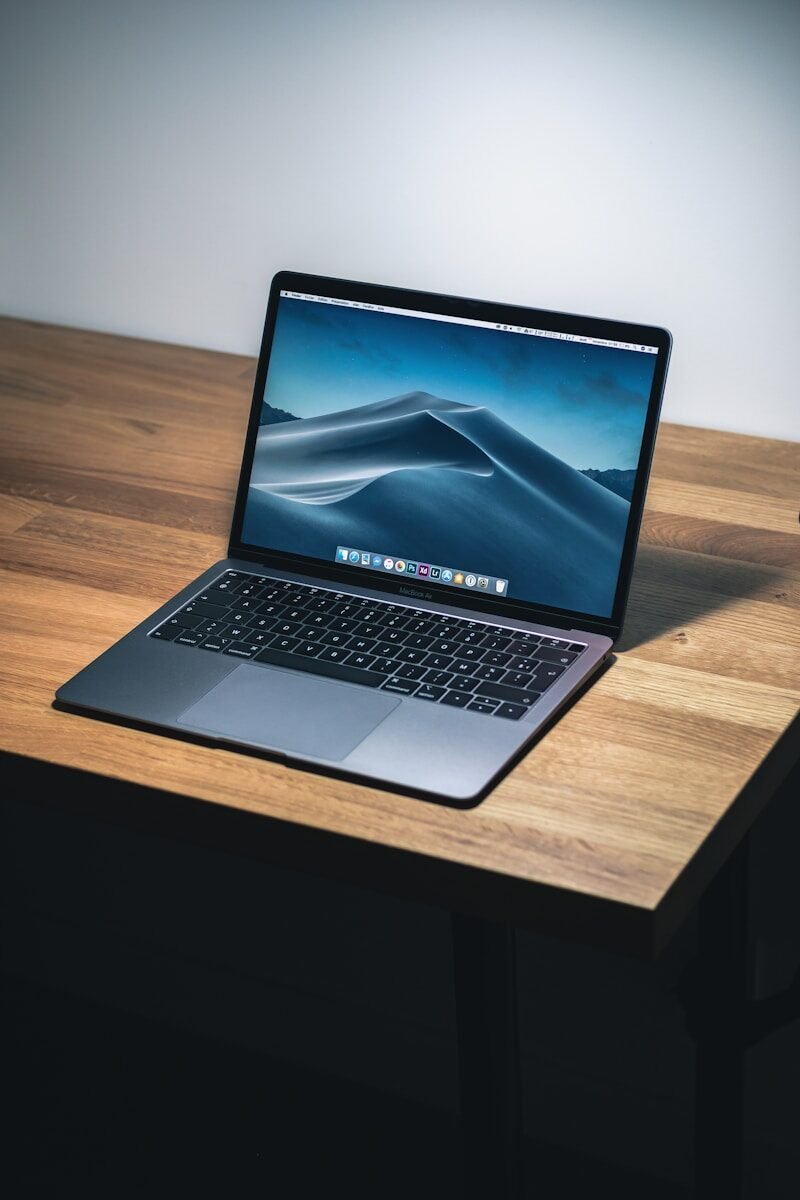
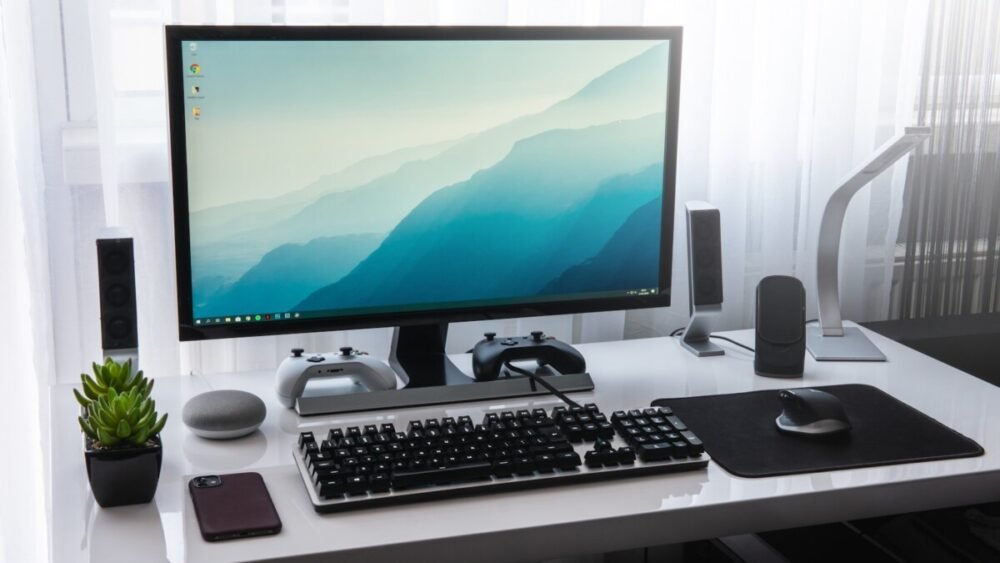
When you turn on a Windows computer, you may see a sign-in screen. You enter your password or PIN to access your account. After signing in, you arrive at the desktop. The desktop is the main screen where you can see icons, shortcuts, the taskbar, and the background image.
The Start menu is one of the most important parts of Windows. It helps you find apps, settings, files, and power options. You can open the Start menu by clicking the Windows icon, usually at the bottom of the screen. From there, you can search for programs like Word, Chrome, Calculator, or Settings.
The taskbar is usually located at the bottom of the screen. It shows open programs and shortcuts to commonly used apps. You can use the taskbar to switch between programs quickly. It also shows the time, internet connection, battery status, and sound controls.
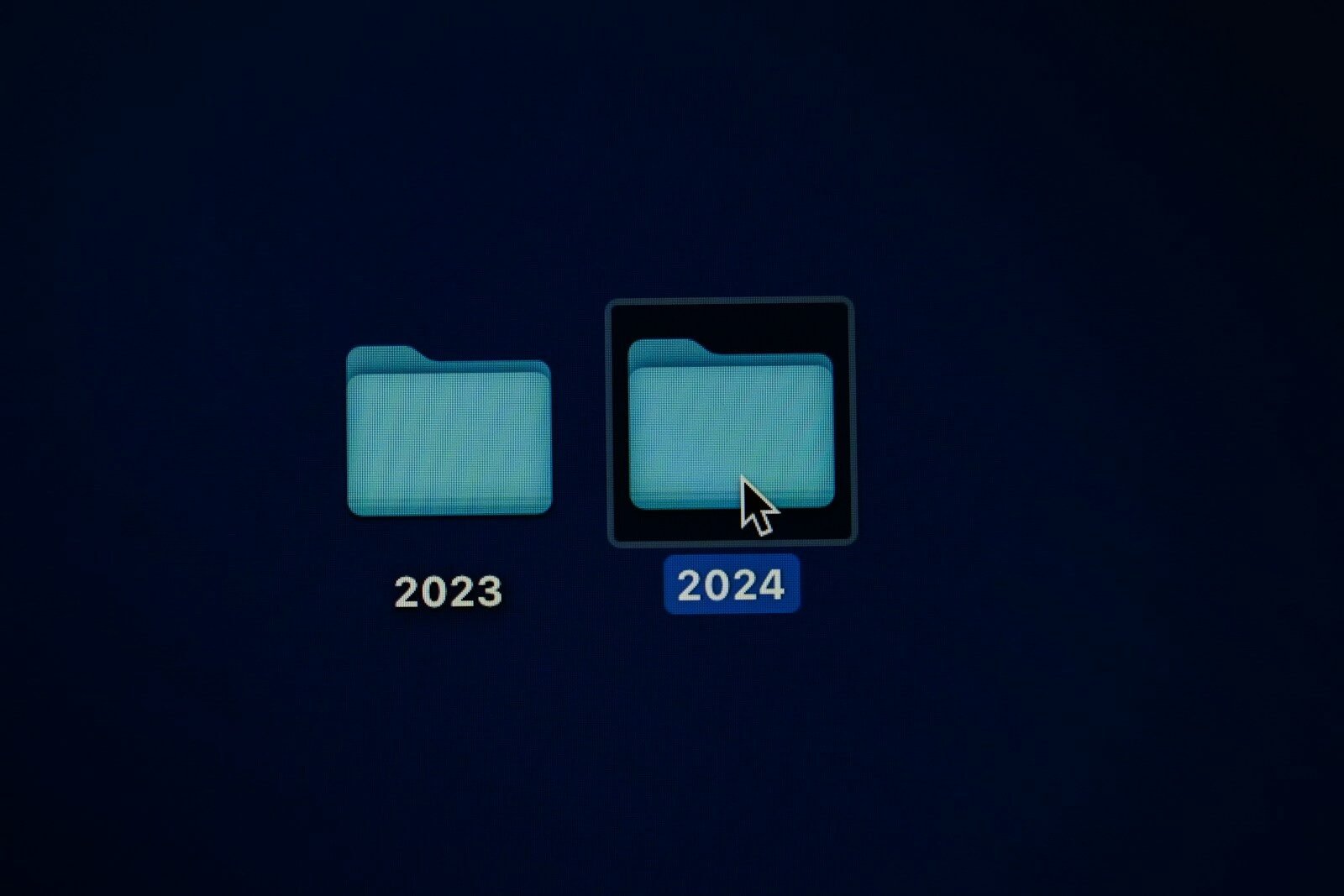
Icons are small pictures that represent programs, files, folders, or shortcuts. Double-clicking an icon often opens it. Some icons are on the desktop, while others are in the Start menu or taskbar.
Windows uses windows, which are boxes that open on the screen when you run programs or folders. Each window usually has buttons in the top corner. The minimize button hides the window. The maximize button makes it bigger. The close button exits the window.
File Explorer is the tool used to manage files and folders. You can use it to open Documents, Downloads, Pictures, Desktop, and other locations. File Explorer helps you find, copy, move, rename, and delete files.
Settings is where you can change how Windows works. You can adjust Wi-Fi, display brightness, sound, printers, updates, accounts, and privacy options. Beginners should explore settings carefully and avoid changing things they do not understand.
The Recycle Bin stores deleted files temporarily. If you delete a file by mistake, you may be able to restore it from the Recycle Bin. This is a helpful safety feature.
Windows Update helps keep the computer current. Updates may improve security and fix problems. It is a good habit to allow important updates, but save your work first because some updates require restarting the computer.
Windows also includes useful built-in programs. Calculator helps with math. Notepad helps with simple text. Paint helps with basic drawing. Microsoft Edge is a web browser. Windows Security helps protect the computer.
Beginners should learn a few basic shortcuts. Ctrl + C copies, Ctrl + V pastes, Ctrl + X cuts, Ctrl + Z undoes, Ctrl + S saves, and Alt + Tab switches between open programs. These shortcuts save time.
In conclusion, Windows basics include understanding the desktop, Start menu, taskbar, icons, windows, File Explorer, Settings, Recycle Bin, and updates. Once you learn these tools, using a Windows computer becomes easier and more comfortable.
Published by: All About Computer Website
Category: Computer Basics