To understand computers, it is important to know the difference between hardware and software. These two words are used often in computer education. They are different, but they work together every time you use a computer.
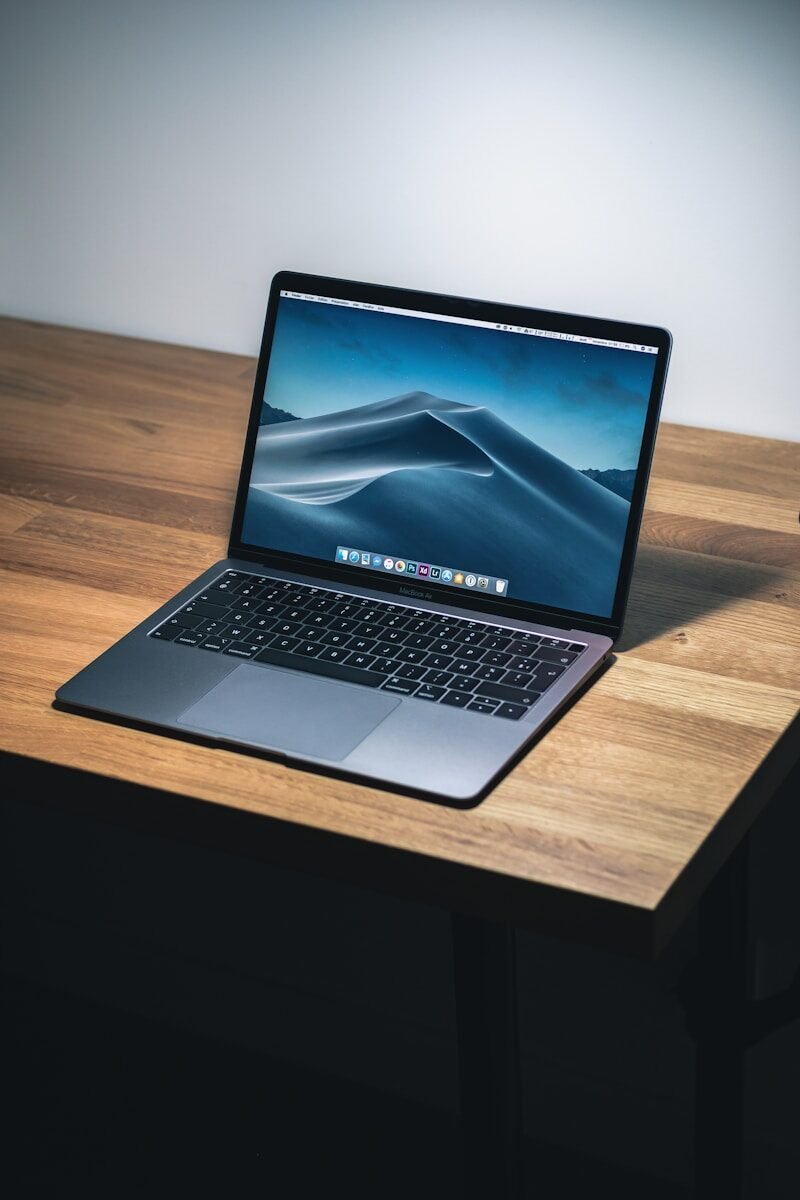
Hardware means the physical parts of a computer. If you can touch it, it is probably hardware. Examples of hardware include the monitor, keyboard, mouse, printer, speakers, motherboard, CPU, RAM, hard drive, and power supply. Hardware is the body of the computer.
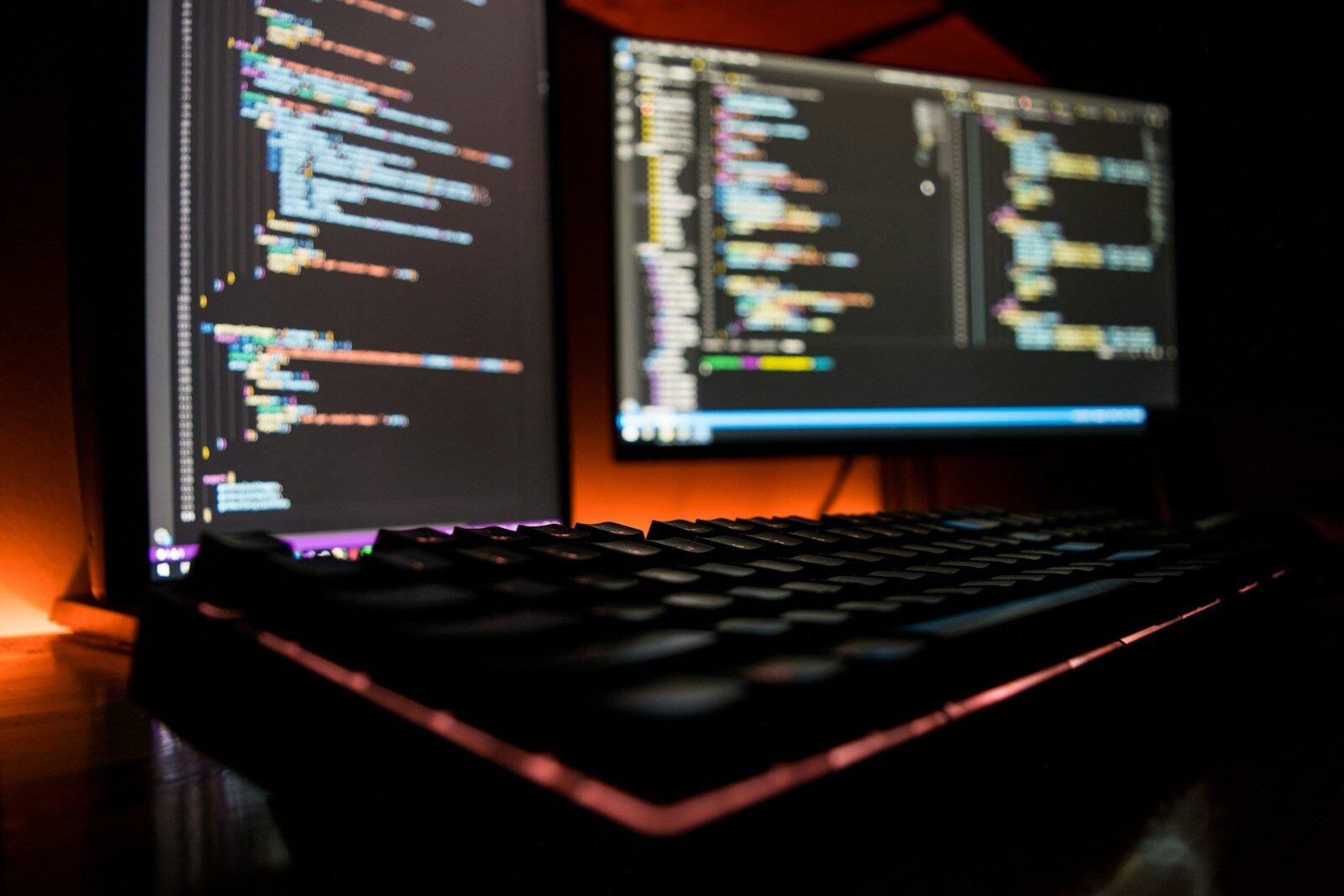
Software means the programs and instructions that tell the hardware what to do. Software cannot be touched like a keyboard or monitor. It is digital. Examples of software include Windows, Microsoft Word, Google Chrome, antivirus programs, games, photo editors, and mobile apps. Software is like the instruction system of the computer.
A simple way to understand the difference is this: hardware is the machine, and software tells the machine how to work. A printer is hardware, but the program that tells the printer what to print is software. A keyboard is hardware, but the word-processing program that receives the letters you type is software.
The operating system is one of the most important types of software. Windows, macOS, Linux, Android, and iOS are operating systems. The operating system manages the computer and allows you to open programs, save files, connect to the internet, and use devices.
Application software is another type of software. These are programs that help you complete specific tasks. Microsoft Word helps you write documents. Excel helps you work with numbers and spreadsheets. PowerPoint helps you make presentations. A web browser helps you visit websites.
Hardware and software depend on each other. Hardware without software cannot do much because it needs instructions. Software without hardware cannot run because it needs a machine. When both work properly, the computer becomes useful.
Sometimes computer problems are hardware problems. For example, a broken screen, damaged keyboard, bad battery, or failing hard drive are hardware issues. These problems may require repair or replacement of physical parts.
Other problems are software problems. For example, a program may freeze, Windows may need an update, a file may not open, or a virus may affect the computer. These problems may be fixed by restarting the computer, updating software, uninstalling bad programs, or using security tools.
Beginners should learn to recognize the difference because it helps with troubleshooting. If the monitor has no power, that may be hardware. If a program will not open, that may be software. If the internet browser is slow, it could be software, internet service, or both.
In conclusion, hardware and software are both necessary. Hardware is the physical equipment, while software is the set of programs and instructions. A computer needs both to function. Understanding this difference is one of the first steps to becoming confident with computers.
Published by: All About Computer Website
Category: Computer Basics