Introduction to the Motherboard
The motherboard serves as a critical component of a computer, often referred to as the ‘heart’ of the system due to its fundamental role in facilitating communication between various hardware parts. It is a large printed circuit board that houses the central processing unit (CPU), memory (RAM), and provides connectors for other peripherals. The integration of these components on the motherboard allows the computer to function effectively, just as a heart circulates blood to sustain life.
In essence, the motherboard acts as a hub that enables these vital components to work harmoniously together. It is equipped with slots and connectors for expanding the functionality of the computer, including support for graphical cards, networking interfaces, and storage devices. Different types of motherboards, such as ATX, microATX, and Mini-ITX, cater to diverse requirements in terms of size, performance, and connectivity. This diversity enables users to select a motherboard that meets their specific needs, whether for gaming, office applications, or multimedia tasks.
The purpose of the motherboard extends beyond mere connectivity; it also manages power distribution across the components. By routing electrical power to the CPU and other peripherals, it ensures that they operate efficiently. Furthermore, the BIOS (Basic Input/Output System) chip embedded on the motherboard is responsible for the initial startup process, enabling the operating system to load correctly. Therefore, thorough knowledge of the motherboard and its functions can be beneficial for anyone looking to build, upgrade, or troubleshoot a computer.
Components of the Motherboard
The motherboard serves as the principal circuit board within a computer, housing critical components that facilitate communication between various hardware elements. Understanding these key components is essential to grasp how they collectively influence a computer’s performance and functionalities.
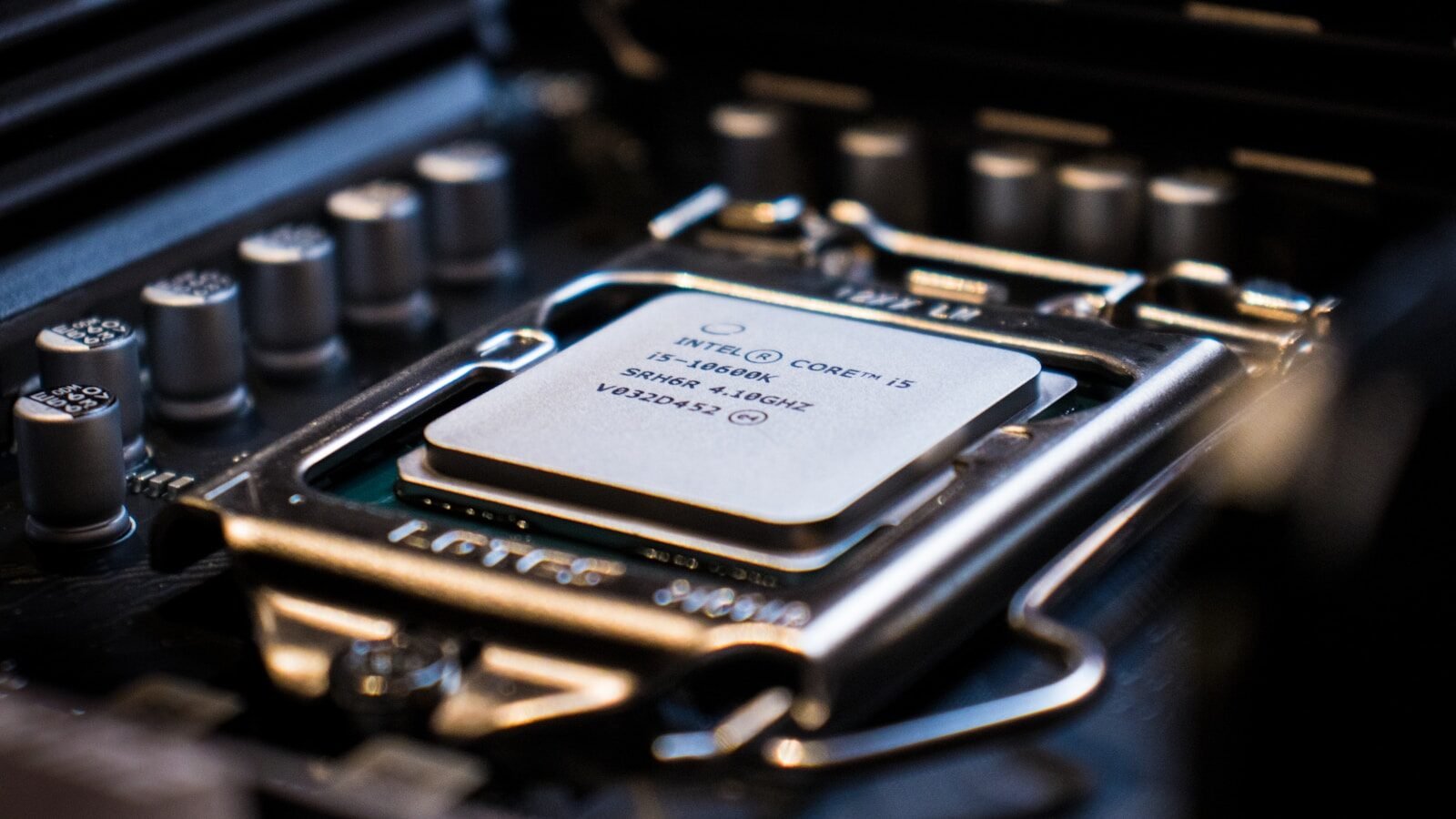
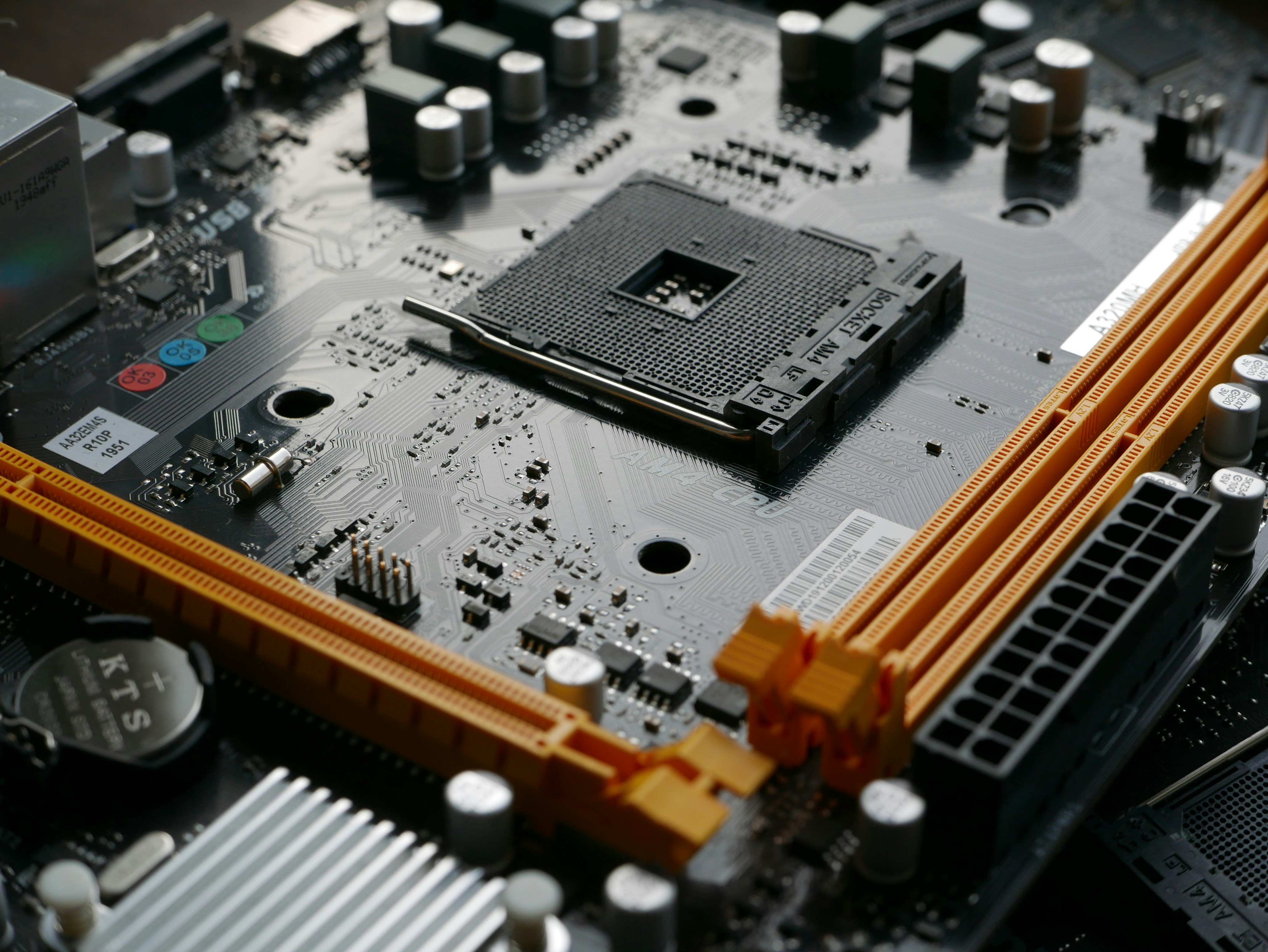
One of the most prominent features of a motherboard is the CPU socket, which is designed to accommodate the central processing unit (CPU). This socket is engineered to ensure a stable connection and allows for easy installation and removal of the CPU, thus facilitating upgrades and replacements. Different CPU sockets correspond with specific processor types, highlighting the need for compatibility when selecting a motherboard.
Another vital component is the RAM slots. These slots are intended for the installation of random access memory (RAM) modules, which are essential for temporary data storage while applications are in use. The number and configuration of RAM slots can significantly impact a system’s multitasking capabilities and overall speed, making them a crucial consideration for computer builders.
The power connectors play a pivotal role in supplying electricity to the motherboard and its components. Typically, motherboards feature a 24-pin ATX power connector, as well as additional connectors for powering the CPU and peripherals. Ensuring that the motherboard is adequately powered is crucial for system stability and performance.
Lastly, the chipset is fundamental in enabling communication between the CPU, RAM, and other peripherals. It essentially dictates the data flow and controls input/output functions, thereby influencing system compatibility and capabilities. The choice of chipset can determine the features available to the motherboard, including support for high-speed connections and storage options.
The Role of the Motherboard in System Performance
The motherboard serves as the central conduit for communication between all components in a computer system, thereby playing a pivotal role in the overall performance of the machine. Its design and specifications can significantly influence how effectively the computer operates, including important aspects such as CPU speeds, memory bandwidth, and overall system efficiency.
At the heart of system performance is the motherboard’s compatibility with the central processing unit (CPU). Different motherboards support various socket types and chipsets, which determine the range of CPUs that can be installed. A motherboard that supports a high-performance CPU can maximize processing speeds, allowing the computer to execute tasks and applications more efficiently. In contrast, a less capable motherboard may bottleneck CPU performance, leading to slower operational speeds and a subpar user experience.
Memory bandwidth is another critical parameter affected by the motherboard. The maximum amount of data that can be transmitted between the CPU and RAM is dictated by motherboard specifications such as the number of DIMM slots and supported memory types (such as DDR4 or DDR5). A motherboard that can handle faster memory speeds and larger capacity provides enhanced performance for multitasking and running memory-intensive applications. Moreover, the arrangement of RAM slots can influence dual-channel or quad-channel configurations, which further boosts memory bandwidth and enhances overall system efficiency.
In essence, the motherboard acts as the backbone of a computer system, linking all functionalities together. Its architecture and specifications dictate the extent to which a computer can perform effectively, impacting not just raw speed but also the reliability and data transfer capabilities of the entire system. Selecting a suitable motherboard becomes crucial for optimizing system performance based on individual user needs and technological demands.
Types of Motherboards
The motherboard is a fundamental component that serves as the central backbone of a computer system, providing essential connections between various hardware. There are several types of motherboards available, each catering to different requirements and preferences based on form factor, features, and intended use. Among the most prevalent types are ATX, Micro-ATX, and Mini-ITX motherboards.
ATX motherboards are the most widely used type in desktop computers. Measuring 305 x 244 mm, these boards offer a plethora of expansion slots, allowing users to install multiple graphics cards and other peripherals. Additionally, ATX motherboards typically support a range of features, such as higher RAM capacity, more robust power connectors, and advanced cooling options. This makes them an ideal choice for gamers and professionals seeking high performance.
Micro-ATX motherboards, slightly smaller in size at 244 x 244 mm, strike a balance between dimensions and capabilities. They provide a decent number of expansion slots while fitting more compact cases. This type is particularly suited for systems that require a moderately powerful setup without the need for excessive hardware. Micro-ATX is a popular choice among users who build budget-friendly desktops or who have space constraints.
On the other hand, Mini-ITX motherboards are the smallest of the three types, measuring only 170 x 170 mm. These boards are designed for ultra-compact PCs, making them suitable for home theater systems or small office setups. Despite their size, Mini-ITX motherboards often come equipped with essential features, although the number of expansion slots is typically limited. Users who prioritize space savings and portability may find Mini-ITX to be the best option for their builds.
Choosing the right motherboard type fundamentally influences the overall performance and usability of a computer build. Understanding the characteristics and limitations of each type ensures that users can select a motherboard that aligns with their specific needs.
Motherboard Connectivity and Expansion Slots
The motherboard plays a pivotal role in defining the connectivity options and expansion capabilities of a computer system. Its design dictates how various components, including the CPU, graphics cards, storage devices, and peripherals, communicate with one another. Understanding the types of connections available on a motherboard is crucial for building or upgrading a system.
Among the most critical features on a motherboard are the PCIe (Peripheral Component Interconnect Express) slots, which enable the installation of add-on cards such as graphics cards, sound cards, and network cards. These slots come in different sizes, commonly x1, x4, x8, and x16, allowing various levels of performance based on the specific type of card being installed. The increased bandwidth of PCIe 4.0 and PCIe 5.0 standards can significantly enhance data transfer rates, thus improving overall system performance.
In addition to PCIe slots, motherboards typically include multiple SATA (Serial ATA) connections for hard drives and solid-state drives (SSDs). SATA connections allow for a range of storage options, which can greatly impact loading times and data management. Modern motherboards may also feature M.2 slots that support NVMe drives, enabling even faster storage solutions compared to traditional SATA connections.
USB ports are another essential aspect of motherboard connectivity. They facilitate the connection of a plethora of devices, ranging from external drives to keyboards and mice. The number and types of USB ports, such as USB 2.0, USB 3.0, and USB-C, can vary between motherboards, influencing the ease of connecting peripherals and the overall user experience.
Ultimately, the available connectivity options and expansion slots on a motherboard determine its extensibility and the potential for future upgrades. Knowledge of these components is vital for individuals looking to build or enhance their computer systems effectively.
Choosing the Right Motherboard for Your Needs
When selecting a motherboard, there are several critical factors that one must consider to ensure compatibility and functionality with the whole computer system. The compatibility of the motherboard with the CPU is paramount; different CPUs require specific sockets. For instance, Intel and AMD processors utilize different socket types, thus, ensuring that the motherboard supports your chosen CPU is essential. Likewise, verifying whether the motherboard accommodates the required type of RAM (like DDR4 or DDR5) is crucial for optimal performance.
Another factor to consider is the intended use case of the computer. For gaming, a motherboard with a chipset that supports overclocking, multiple GPU configurations, and advanced audio features may be beneficial. On the other hand, a motherboard designed for productivity tasks might prioritize features such as additional USB ports and efficient multitasking capabilities.
Every user should assess their budget prior to making a purchase. Motherboards are available at a variety of price points, and often, spending more can yield additional features and better quality. However, for casual users or those with basic computing needs, a mid-range motherboard that ensures compatibility with essential components is often adequate. For gamers or professionals needing high-end specifications, investing in a top-tier motherboard can significantly enhance performance, especially if they plan to upgrade components in the future.
Finally, it is advisable to consider brand reputation and reviews when making your choice. Established brands that offer warranties and solid customer support can provide peace of mind for end-users, ensuring that you have access to help if any issues arise post-purchase. Overall, making an informed decision based on these factors can lead to a satisfactory computing experience tailored to individual needs.
Common Motherboard Issues and Troubleshooting
The motherboard serves as the main circuit board of a computer, playing a pivotal role in its overall functionality. However, like any electronic component, it is susceptible to various issues that can disrupt performance. Understanding common motherboard problems can empower users to identify and troubleshoot these issues effectively.
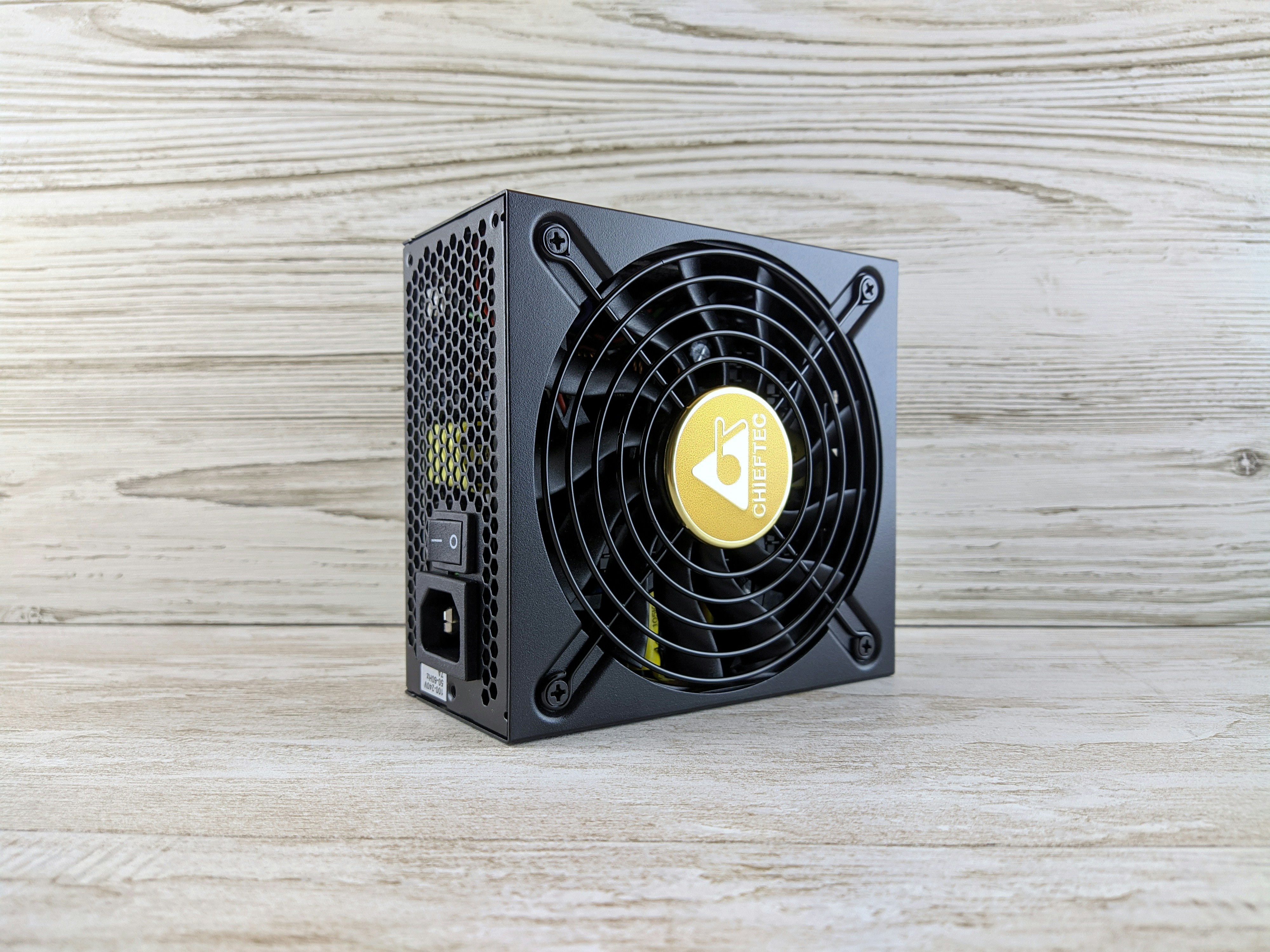
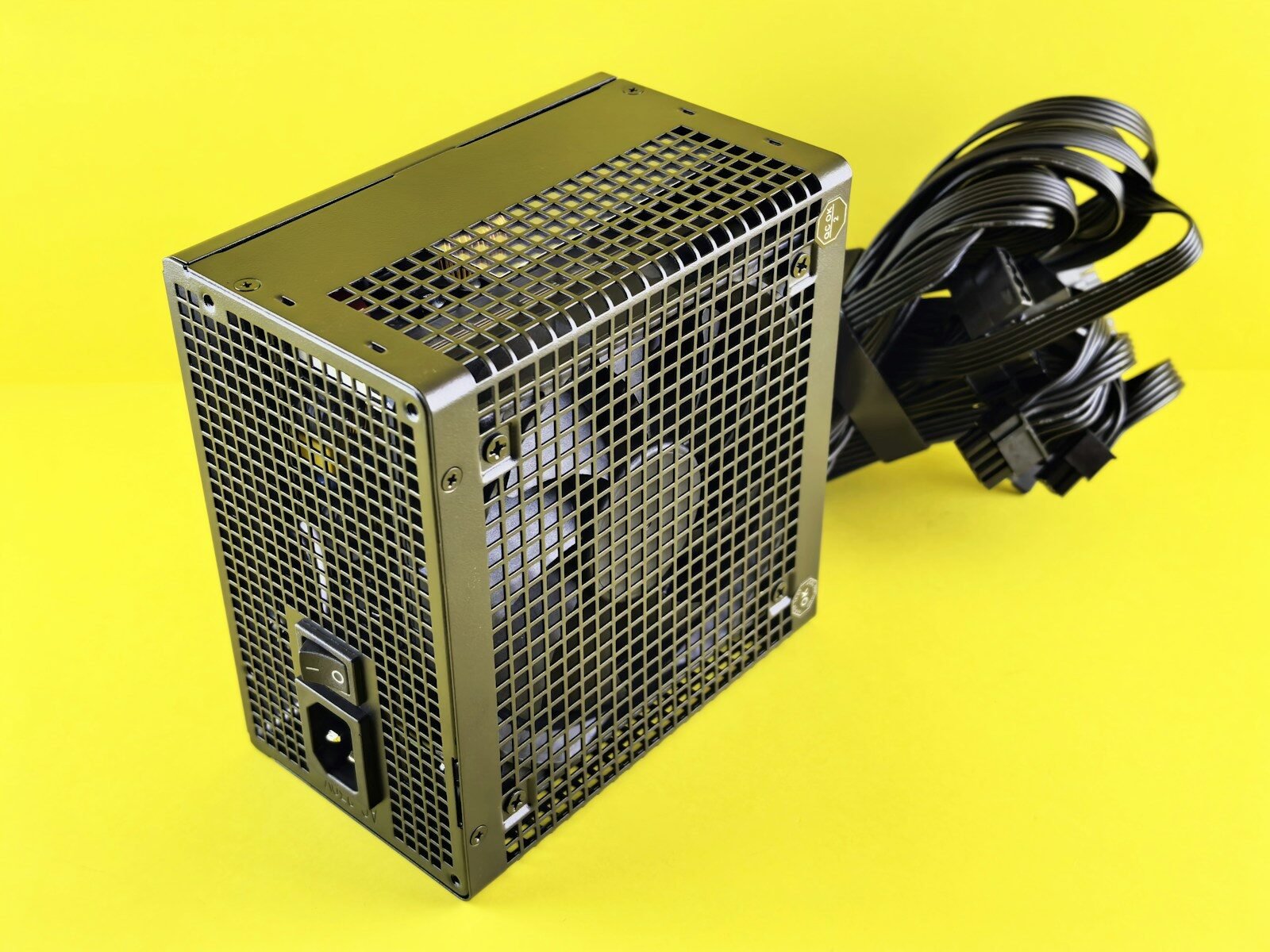
One of the most prevalent signs of motherboard trouble is the failure to boot. Users may encounter a black screen or an error message upon startup. Examining the power supply unit (PSU) is a critical first step in addressing this challenge, as inadequate power supply can lead to performance issues. Additionally, checking the connections of the CPU, RAM, and other peripherals is crucial, as loose connections can lead to boot failures.
Another common issue is the motherboard’s failure to recognize hardware components, such as RAM or hard drives. This can often be traced back to compatibility issues or faulty hardware. Users should ensure that all installed parts are compatible with the motherboard. Furthermore, reseating RAM or checking for physical damage can resolve issues of hardware recognition.
Overheating is also a consideration when troubleshooting motherboard problems. Excessive heat can lead to system crashes or unexpected shutdowns. To combat this, ensuring the cooling system, including fans and thermal paste, is functioning properly can contribute to maintaining an optimal operating temperature. Dust buildup can further exacerbate these problems, so regular cleaning of the computer internals is recommended.
Lastly, BIOS errors may present as system hang-ups or unusual boot sequences. Users are advised to access BIOS settings to reset defaults or update the firmware if necessary, as these steps can often rectify boot-related concerns. By being aware of these common motherboard issues and implementing these troubleshooting steps, users can ensure the longevity and functionality of their computers.
Future of Motherboard Technology
The landscape of motherboard technology is witnessing unprecedented advancements, driven by the need for enhanced performance, efficiency, and connectivity in computing devices. One significant trend is the evolution of integrated circuits (ICs), which are becoming increasingly sophisticated. The integration of more functions into single chips, known as System on Chip (SoC) architectures, reduces the physical size of motherboards while improving processing power significantly. This trend is particularly evident in mobile devices and laptops, where space-saving designs are essential.
Another crucial factor shaping future motherboard design is power efficiency. As computing demands increase, achieving better energy efficiency has become paramount. Modern motherboards are now incorporating advanced power management technologies that facilitate optimized energy consumption. This includes features such as dynamic voltage scaling and power gating, which enable components to consume power only when necessary. Such innovations not only extend the lifespan of devices but also contribute to environmental sustainability.
Furthermore, connectivity options are rapidly evolving, with a strong emphasis on high-speed data transfer and enhanced network capabilities. The shift towards faster interfaces, such as PCI Express 5.0 and the emerging PCI Express 6.0, demonstrates the industry’s commitment to supporting high-performance graphics and data-intensive applications. Moreover, the integration of technologies like Thunderbolt and USB4 on motherboards offers users expanded connectivity with faster transfer rates and the ability to connect multiple peripherals seamlessly.
Overall, the future of motherboard technology is characterized by a trend towards increased miniaturization, enhanced power efficiency, and superior connectivity options. As manufacturers continue to innovate, users can expect motherboards that not only meet current computing demands but also adapt to the evolving landscape of technology.
Conclusion: The Crucial Role of Motherboards
As we have explored throughout this post, motherboards serve as the backbone of a computer system. They are essential components that interconnect various hardware elements, allowing them to communicate and function cohesively. The motherboard not only supports the CPU, memory, and storage devices but also provides critical interfaces for various peripherals, significantly influencing system performance and capabilities.
In addition to their physical structure, motherboards come equipped with various functionalities, such as BIOS/UEFI firmware interfaces that control hardware initialization during system startup. This foundational role assures that all components are correctly configured and allows for effective performance optimization. Furthermore, the advancement of motherboard technology—including support for faster memory speeds, improved power efficiency, and enhanced connectivity options—has a direct impact on computing speed and capabilities.
The variety in motherboard designs caters to different user needs, from basic functionalities suitable for everyday tasks to specialized features intended for gaming enthusiasts and professionals who require high performance. Therefore, choosing the right motherboard is crucial; it determines not only the computer’s potential but also its upgradability and future-proofing capabilities. Ultimately, motherboards play a vital role in ensuring harmonious interaction among all components, thus directly affecting the overall experience of users. Recognizing their importance within the computer ecosystem underscores the necessity of understanding their specifications and features when building or upgrading a computer system.