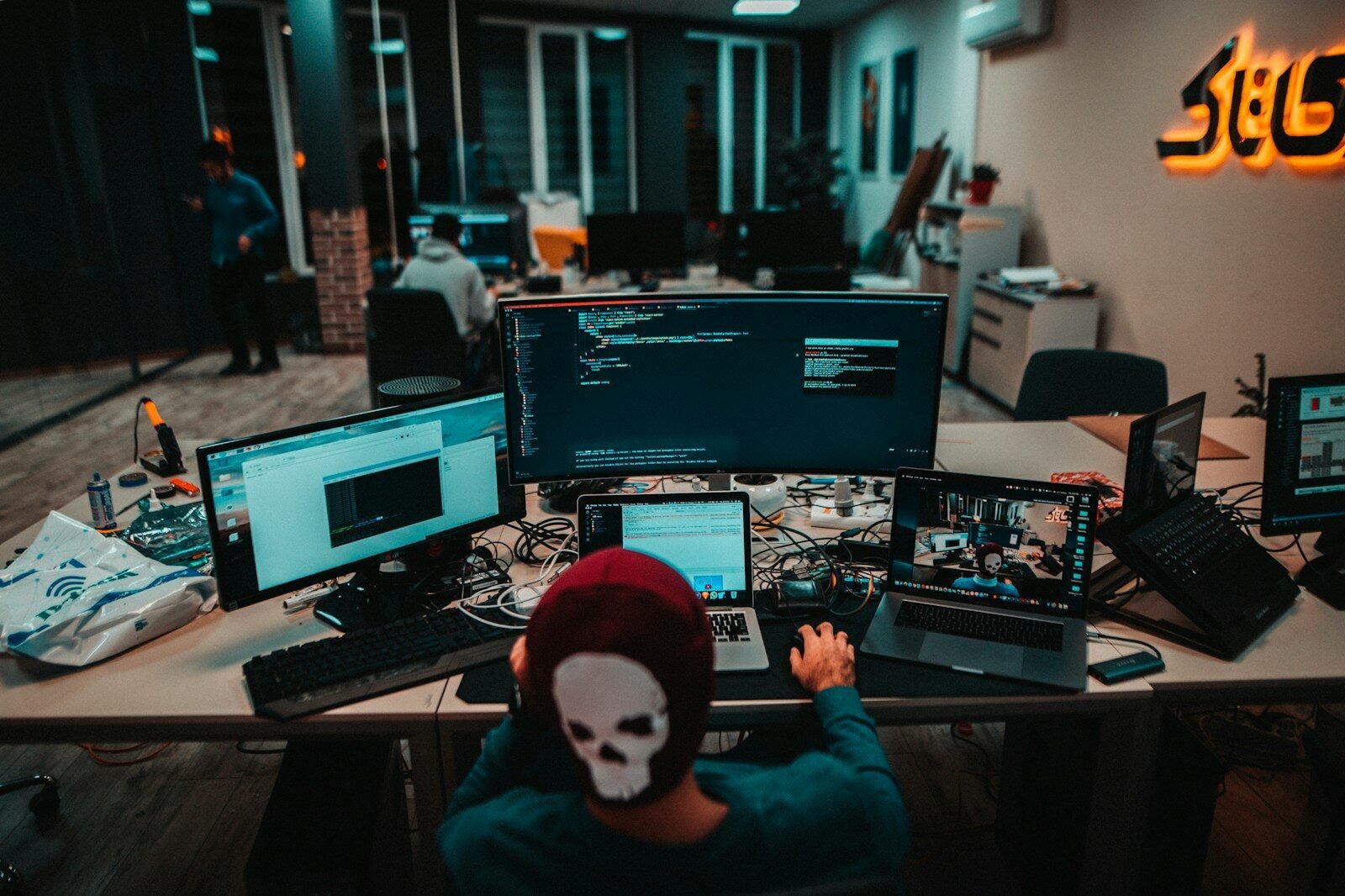
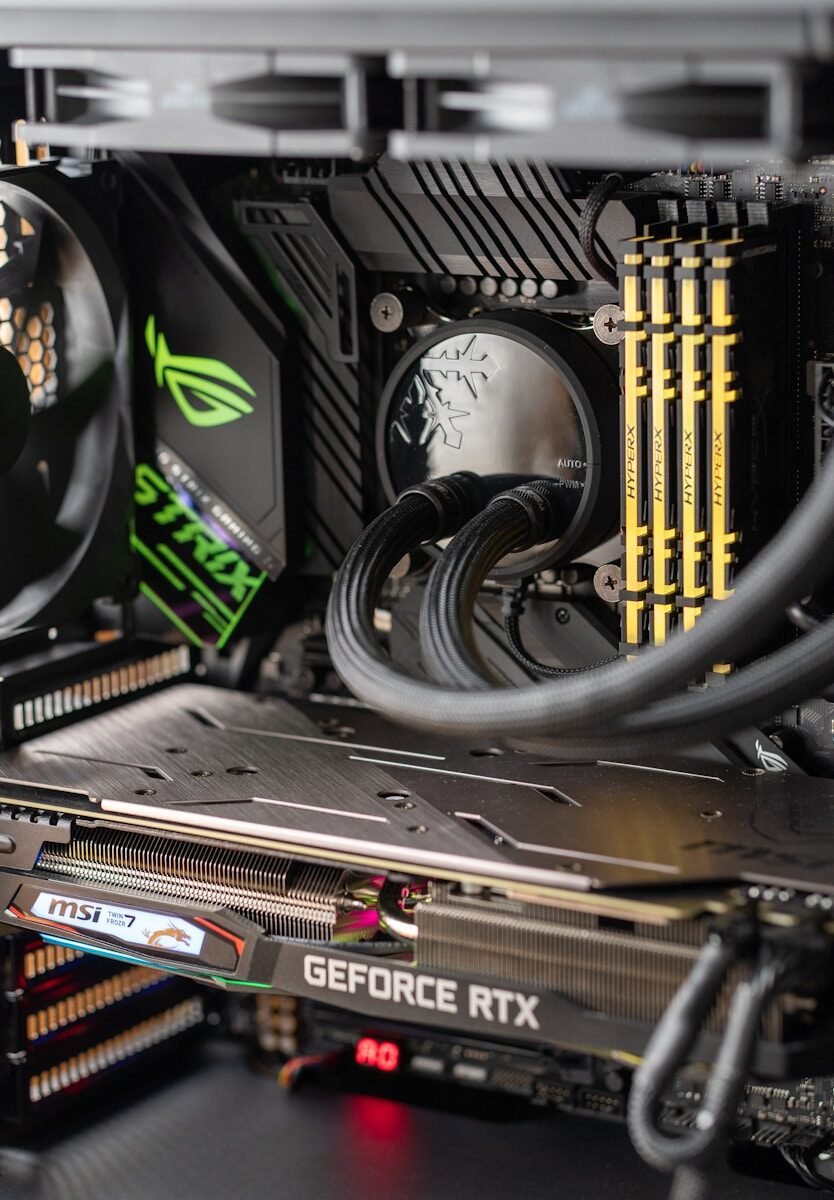
July 10, 2026Computer Components How All Computer Parts Work Together A computer is made of many parts, but these parts do not work alone. They work together as a system. Understanding how […]
July 10, 2026Computer Troubleshooting Common Computer Problems and Simple Solutions Computers are useful tools, but they sometimes have problems. Many common computer issues can be solved with simple steps. Learning these solutions […]
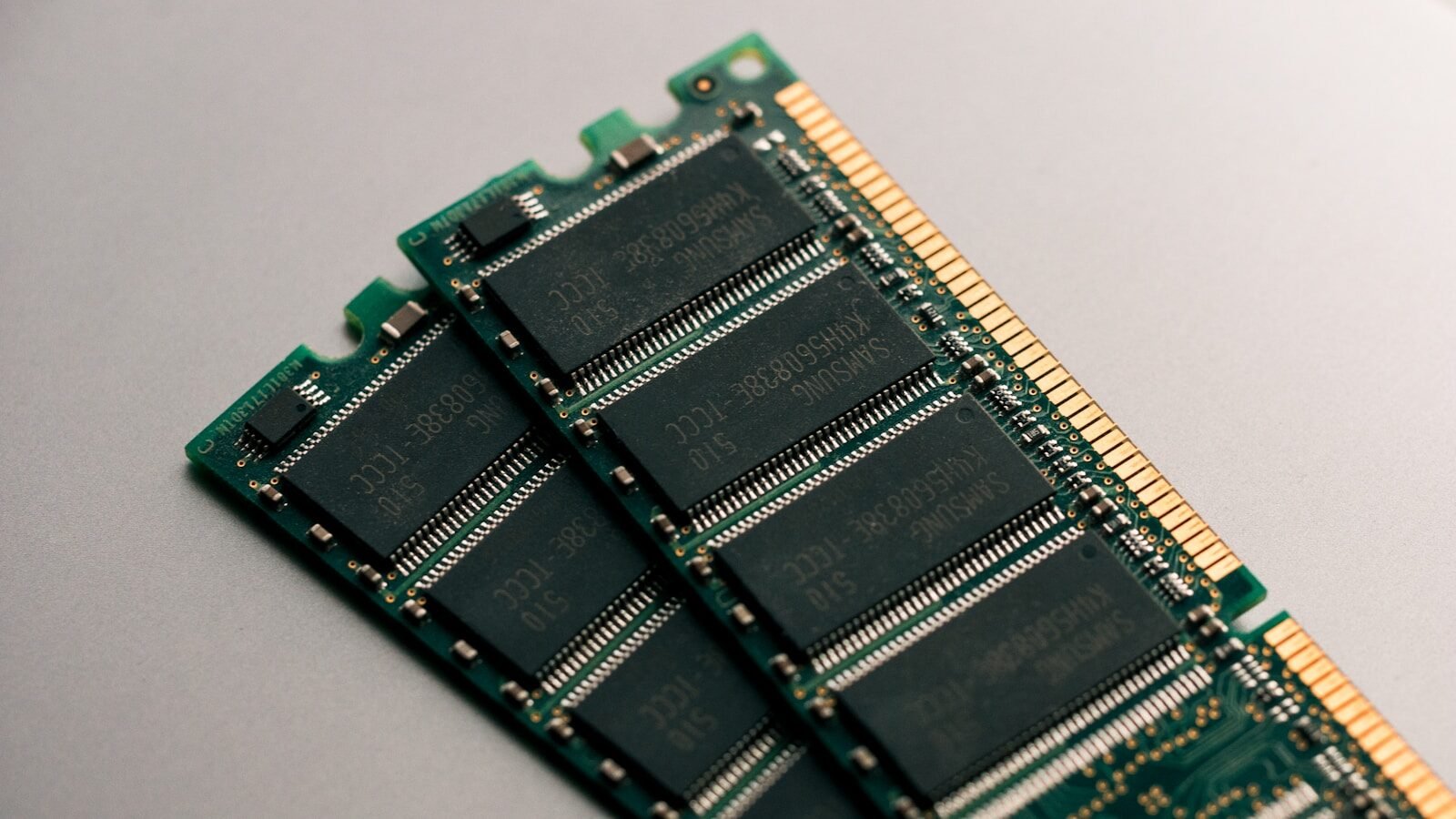
July 10, 2026Computer Components What Is RAM and Why Is It Important? RAM stands for Random Access Memory. It is a type of temporary memory that helps your computer work with active programs and […]
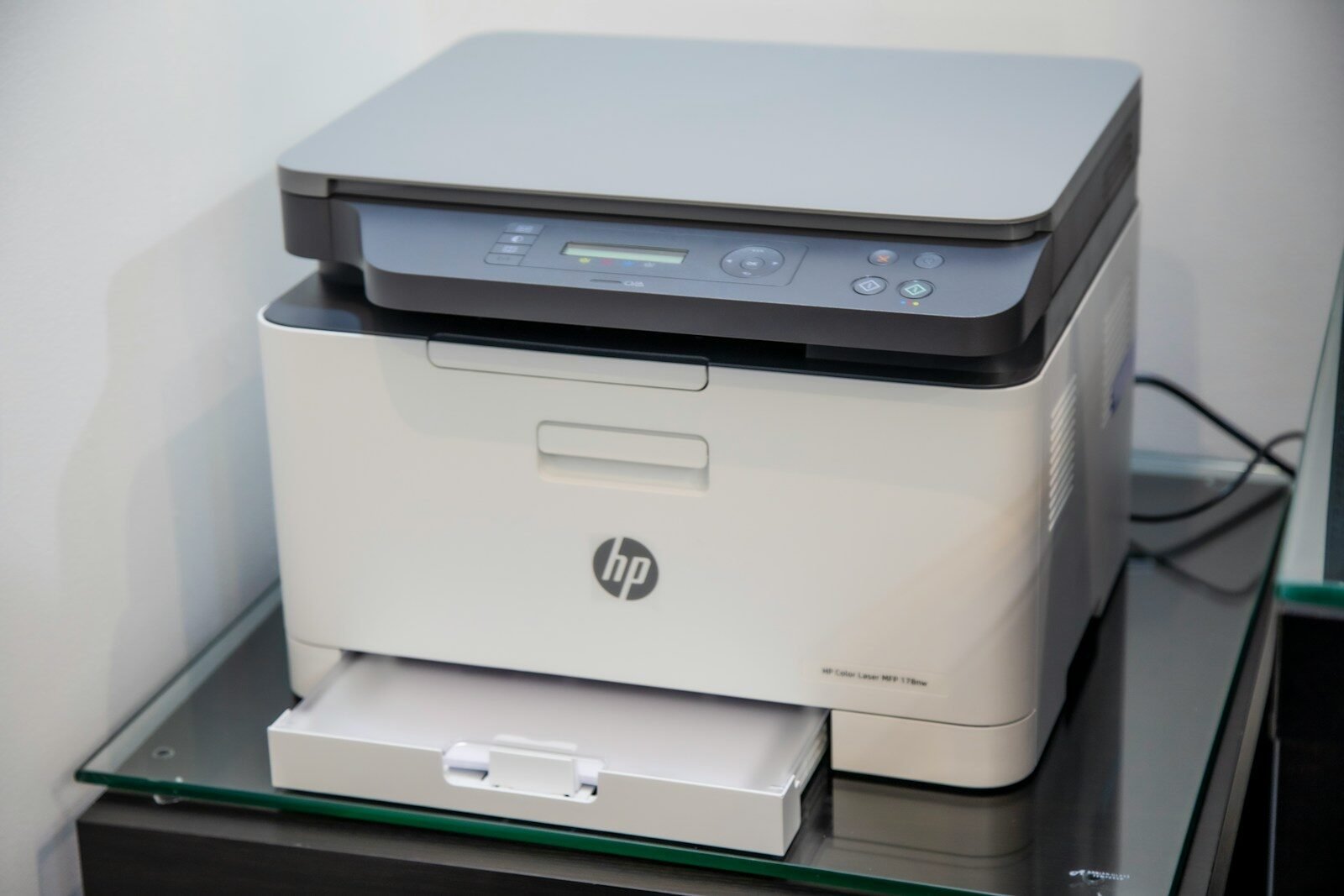
July 10, 2026Computer Components What Is a Printer and How Does It Work? A printer is a device that produces a physical copy of digital information from a computer, phone, or tablet. This physical copy […]
July 10, 2026Computer Troubleshooting Why Is My Computer Running Slow? A slow computer is one of the most common problems people face. It can be frustrating when programs take too long to […]
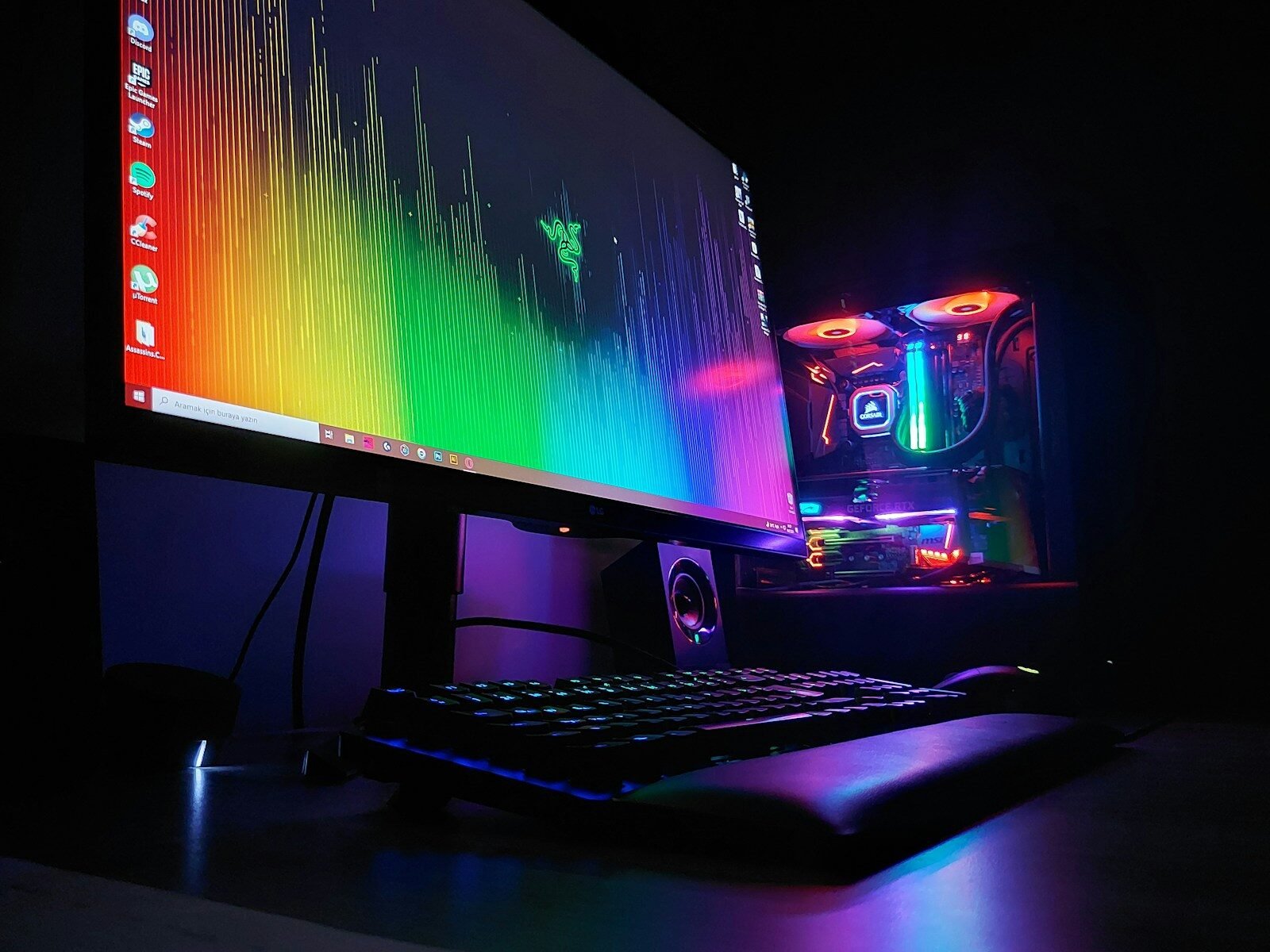
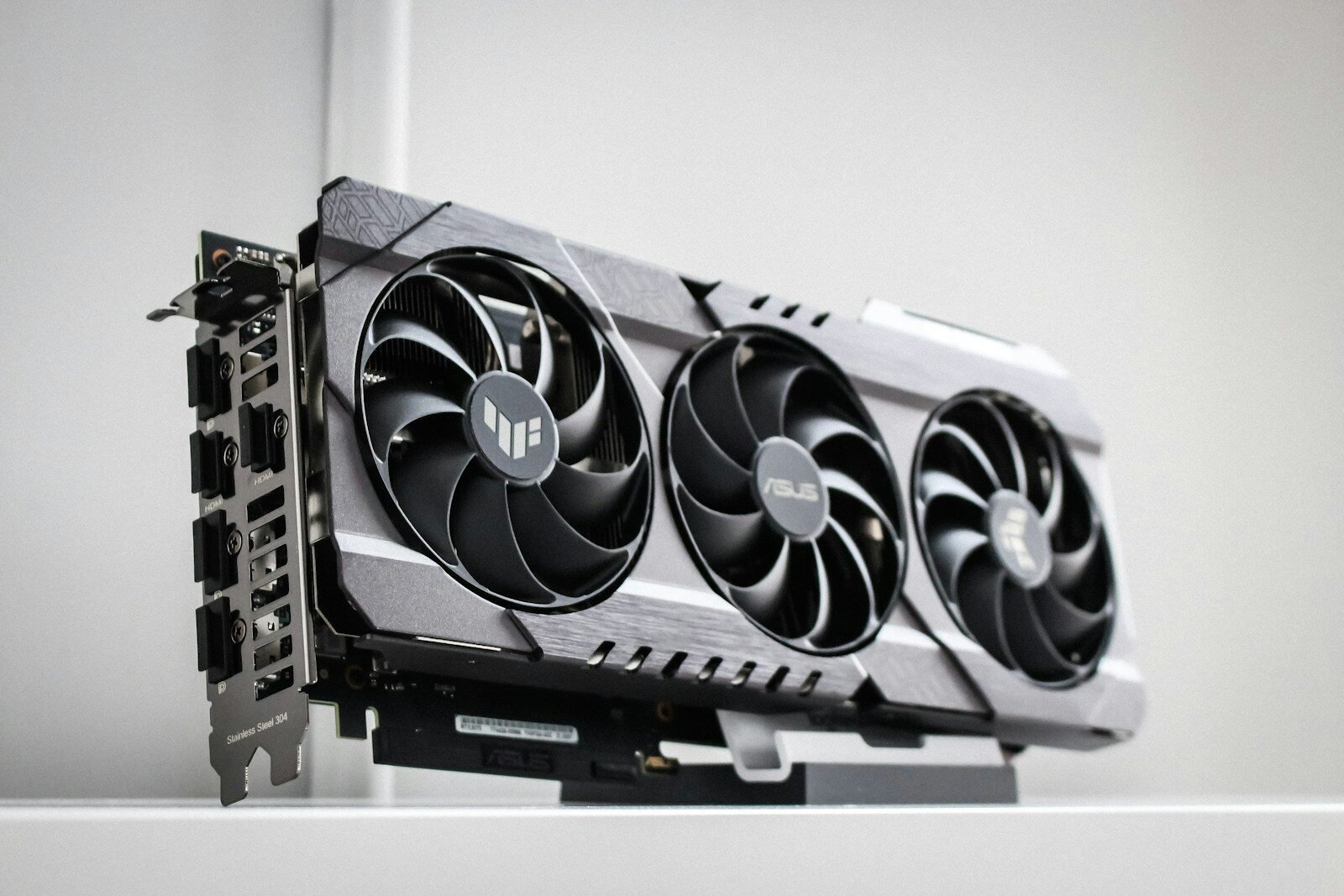
July 10, 2026Computer Components What Is a Graphics Card? A graphics card is a computer component that helps create the images you see on the monitor. It is also called a […]
July 10, 2026Computer Troubleshooting What to Do When Your Computer Will Not Turn On When a computer will not turn on, it can feel alarming. However, the problem is not always serious. Sometimes the cause is […]
July 10, 2026Computer Troubleshooting How to Restart a Computer Safely Restarting a computer is one of the simplest ways to fix many common problems. A restart can clear temporary errors, close stuck […]
July 10, 2026Computer Troubleshooting What to Do When Your Keyboard or Mouse Stops Working A keyboard or mouse problem can make a computer difficult to use. If you cannot type or move the pointer, you may […]
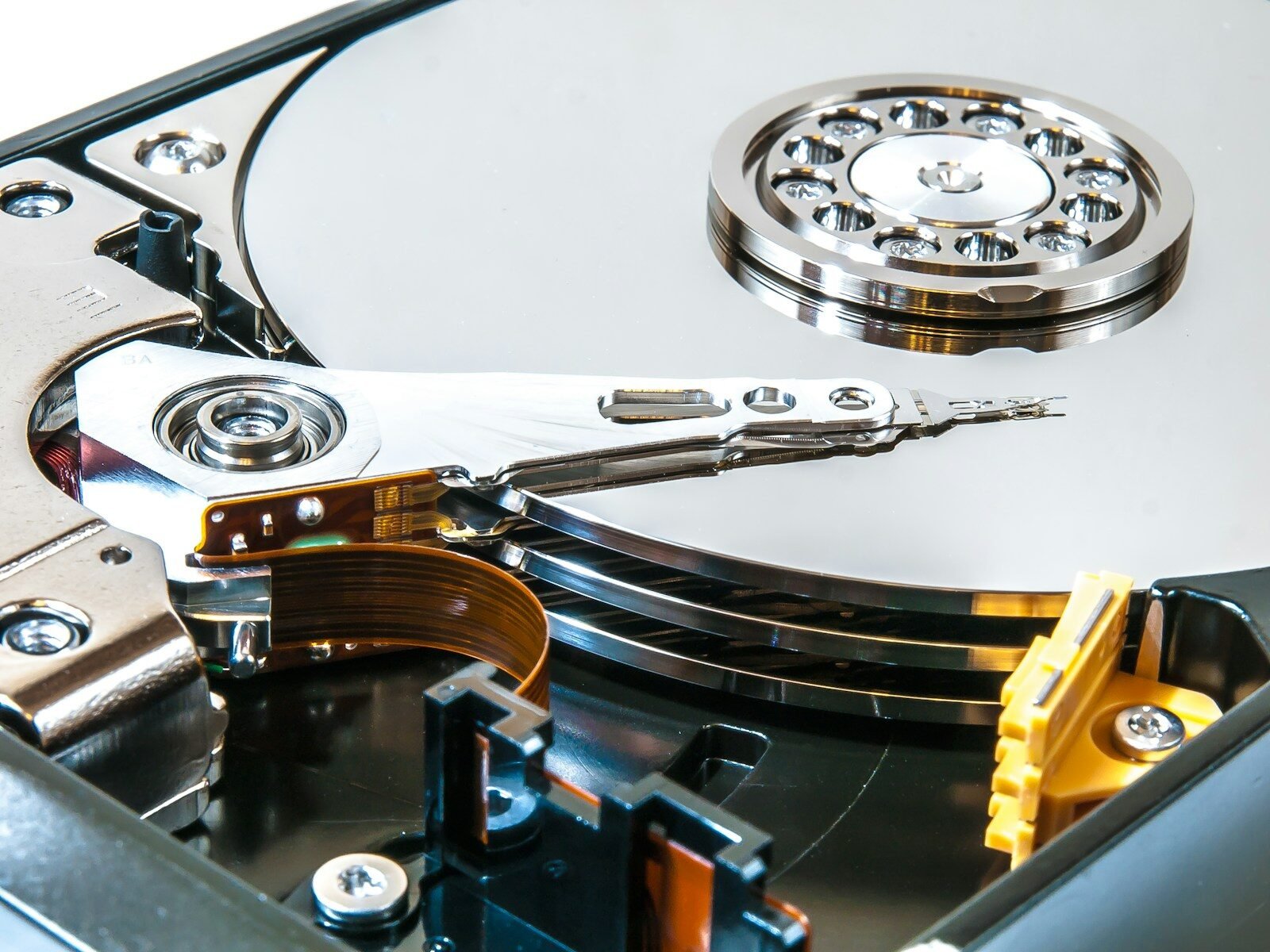
July 10, 2026Computer Components HDD vs. SSD: What Is the Difference? HDD and SSD are two common types of computer storage. Storage is where your computer keeps files, programs, pictures, videos, and the […]