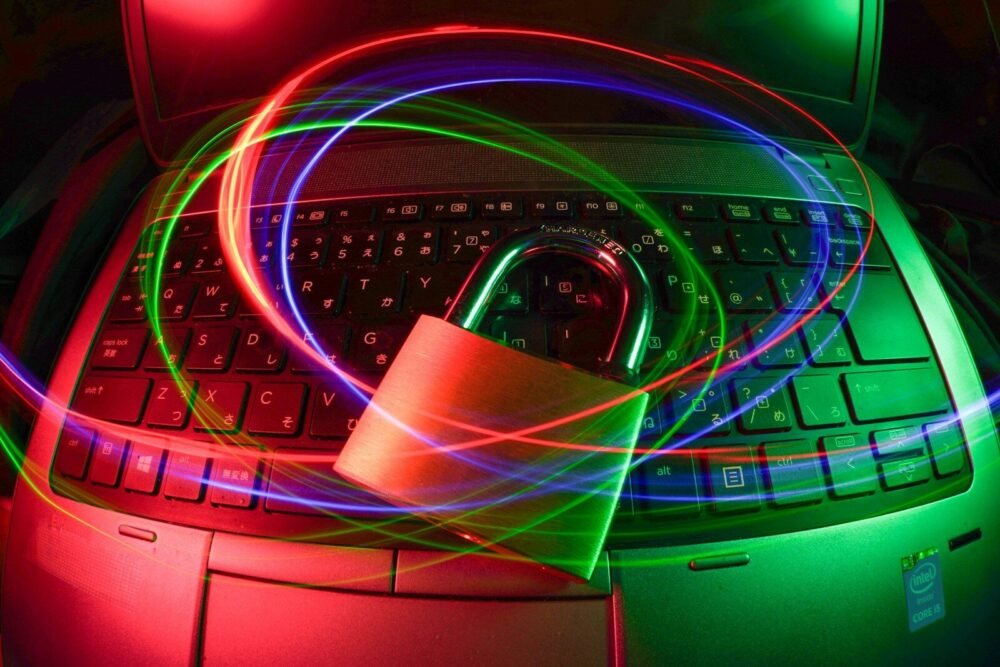
Staying safe online means protecting your personal information, computer, accounts, money, and privacy while using the internet. The internet is useful, but it also has risks. Good online habits help you enjoy the benefits while avoiding danger.
Use strong passwords. A strong password should be hard to guess. Use a mix of uppercase letters, lowercase letters, numbers, and symbols. Avoid using your name, birthday, phone number, or simple words.
Do not use the same password for every account. If one account is hacked, other accounts may be in danger. Use different passwords for important accounts such as email, banking, school, and work.
Turn on two-factor authentication when possible. This adds an extra security step, often using a code sent to your phone or an authentication app.
Be careful what you share online. Do not post private information such as your address, financial details, identification numbers, or personal schedules. Once information is online, it can be copied or shared.
Avoid suspicious links. Scammers may send links by email, text message, or social media. If a link looks strange or comes with urgent pressure, do not click it.
Download only from trusted sources. Unsafe downloads can install viruses or unwanted programs. Use official websites and trusted app stores.
Keep your computer and phone updated. Updates fix security problems and help protect your devices from new threats.
Use antivirus or security software. Scan your computer regularly and pay attention to warnings.
Be careful on public Wi-Fi. Public Wi-Fi may not be secure. Avoid banking, shopping, or entering private information on public networks unless you use trusted protection.
Check website addresses before entering information. Fake websites may look real. Make sure the address is correct, especially for banks, email, shopping, and government sites.
Do not believe every message you receive. Scammers may pretend to be family members, companies, pastors, employers, banks, or delivery services. If a message asks for money or private information, verify it another way.
Protect children online. Use parental controls, safe search settings, and supervision. Teach children not to talk to strangers online or share personal information.
Think before posting. Photos, comments, and personal opinions can affect reputation, jobs, relationships, and privacy.
Log out of accounts on public computers. Never leave your email, bank, or social media account open on a shared device.
Back up important files. If something goes wrong, backups help you recover your information.
In conclusion, staying safe online requires strong passwords, careful clicking, updates, privacy awareness, and wise judgment. The internet is a powerful road, but safe travelers watch the signs, lock the doors, and keep their map close.
Published by: All About Computer Website
Category: Internet and Email