A basic home network allows your devices to connect to the internet and sometimes share resources like printers or files. Setting up a home network does not have to be complicated if you understand the main parts.
The first part is internet service. You need an internet service provider, also called an ISP. The provider brings internet access to your home through cable, fiber, DSL, or another connection.
The second part is a modem. The modem connects your home to the internet provider. Some providers give you a modem, while others allow you to buy your own approved modem.
The third part is a router. The router shares the internet with your devices. It creates Wi-Fi and may also provide Ethernet ports for wired connections. Some devices combine the modem and router into one box called a gateway.
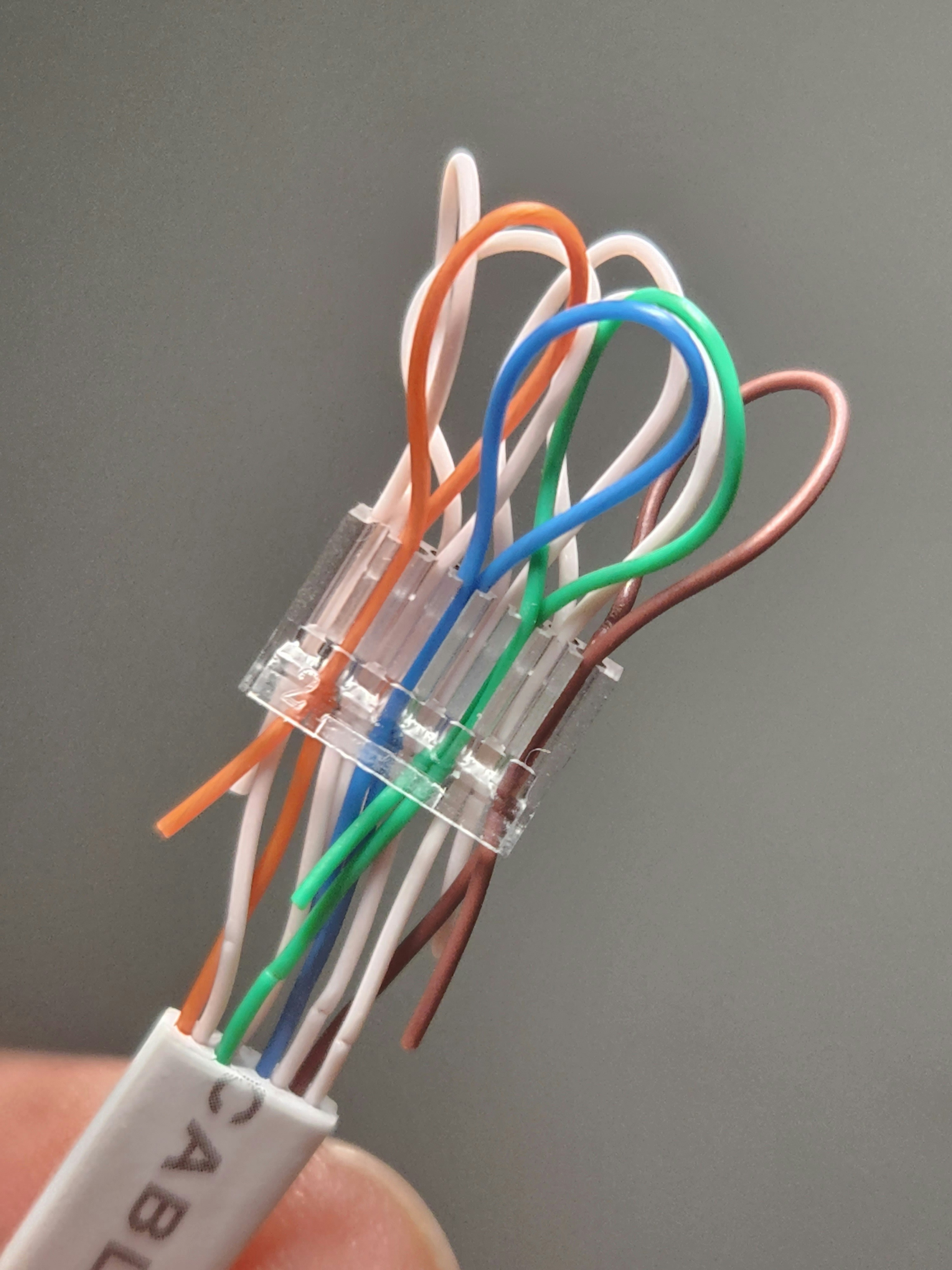
To set up a home network, connect the modem to the internet line from your provider. Then connect the modem to the router using an Ethernet cable. If you have a gateway, this connection may already be inside the same device.
Plug in the power cables. Wait for the modem and router lights to become stable. This may take a few minutes.
Next, connect your device to Wi-Fi. Open Wi-Fi settings on your computer, phone, or tablet. Choose your network name and enter the Wi-Fi password. The network name and password may be printed on the router label unless they were changed.
It is a good idea to change the default Wi-Fi name and password. Use a strong password that is not easy to guess. Avoid using your address, phone number, or simple words.
Place the router in a good location. A central area of the home is usually best. Avoid putting the router inside a cabinet, behind metal objects, or near devices that may cause interference.
Use Ethernet for devices that need a stable connection. A desktop computer, gaming console, or smart TV may perform better with a cable.
Connect printers or smart devices carefully. Follow the device instructions. Many wireless printers connect through the same Wi-Fi network.
Keep your router updated if the manufacturer provides updates. Router updates can improve security and performance.
Write down your Wi-Fi name and password and keep it in a safe place. Do not share it with too many people.
In conclusion, a basic home network includes internet service, a modem, a router, Wi-Fi, and connected devices. With the right setup, your home network becomes a small digital highway for learning, working, streaming, and communication.
Published by: All About Computer Website
Category: Networking