Devices connect to the internet through a chain of equipment and services. When you understand this chain, internet problems become easier to troubleshoot.
The process usually begins with an internet service provider, also called an ISP. The ISP is the company that gives your home or business access to the internet. Examples may include cable, fiber, DSL, or wireless internet providers.
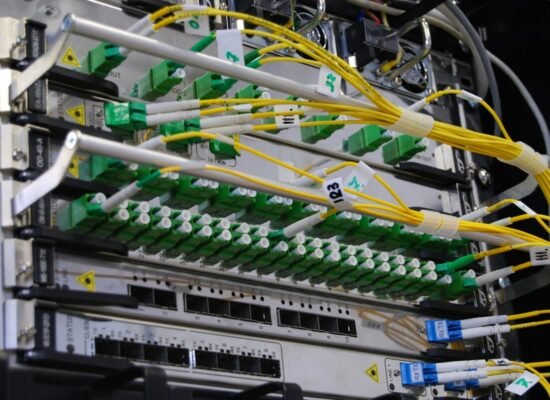
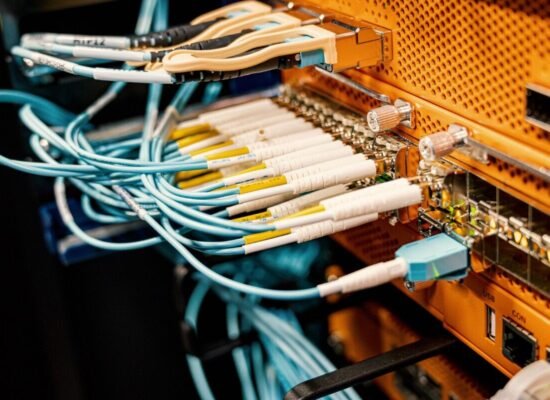
The internet service enters your home through a cable, fiber line, phone line, or wireless signal. This connection goes to a modem or gateway. The modem communicates with the internet provider.
The modem connects to a router. The router shares the internet connection with your devices. In many homes, the modem and router are combined in one box.
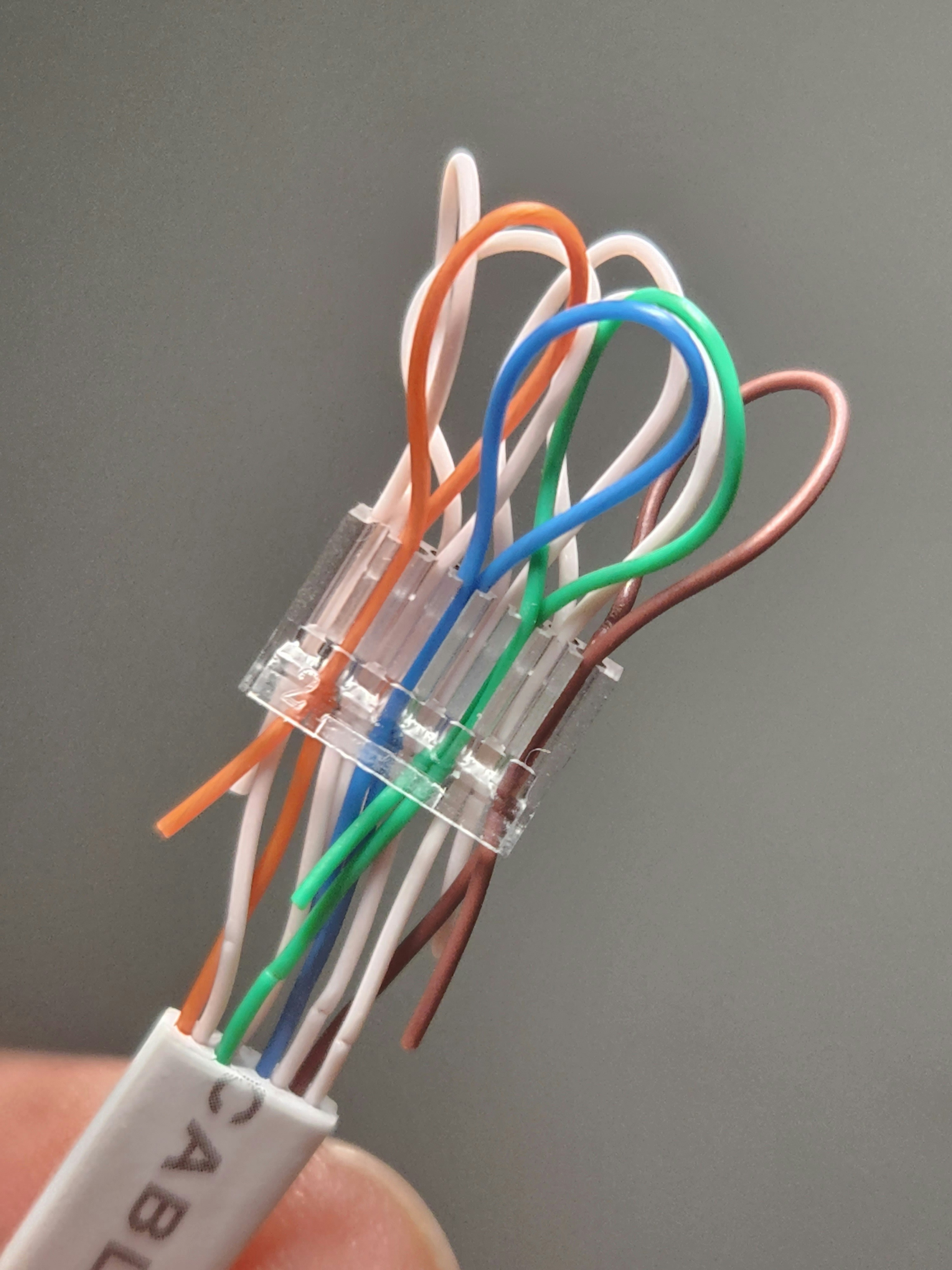
Devices connect to the router in two main ways: Wi-Fi or Ethernet. Wi-Fi is wireless, while Ethernet uses a cable. Phones, tablets, and laptops often use Wi-Fi. Desktop computers and smart TVs may use Ethernet for stability.
When a device connects, the router gives it an IP address. This address helps the router know which device is sending or receiving information.
When you open a website, your device sends a request through the router. The router sends it through the modem to your internet provider. From there, the request travels across the internet to the website’s server.
A server is a computer that stores websites, files, apps, or services. The server sends the requested information back through the internet, through your provider, through the modem, through the router, and finally to your device.
This entire process can happen in seconds or less. When everything works well, users simply see a webpage open, a video play, or an email send.
Many things can interrupt the connection. The device may have Wi-Fi turned off. The router may need restarting. The modem may not be online. The internet provider may have an outage. The website itself may be down.
To troubleshoot, ask a few questions. Is only one device affected, or all devices? Does Wi-Fi show connected? Are the modem and router lights normal? Does Ethernet work? Do other websites load?
If all devices are offline, check the modem, router, and internet provider. If only one device is offline, check that device’s Wi-Fi, network settings, or password.
In conclusion, devices connect to the internet through the ISP, modem, router, and either Wi-Fi or Ethernet. Information travels from your device to servers and back. Understanding this path helps beginners see the internet as a connected system, not magic dust in the air.
Published by: All About Computer Website
Category: Networking