A router is a device that connects devices together and helps them access the internet. It is one of the most important parts of a home, school, office, or business network.
In a home, the router allows laptops, phones, tablets, printers, smart TVs, and other devices to connect to the same network. If the router is connected to a modem, it also allows those devices to use the internet.
The router works like a traffic director. When information travels between your device and the internet, the router helps send it to the correct place. When information returns, the router sends it back to the correct device.
Many routers provide Wi-Fi. Wi-Fi lets devices connect wirelessly without Ethernet cables. The router broadcasts a network name, also called an SSID. Users choose that network name and enter the Wi-Fi password to connect.
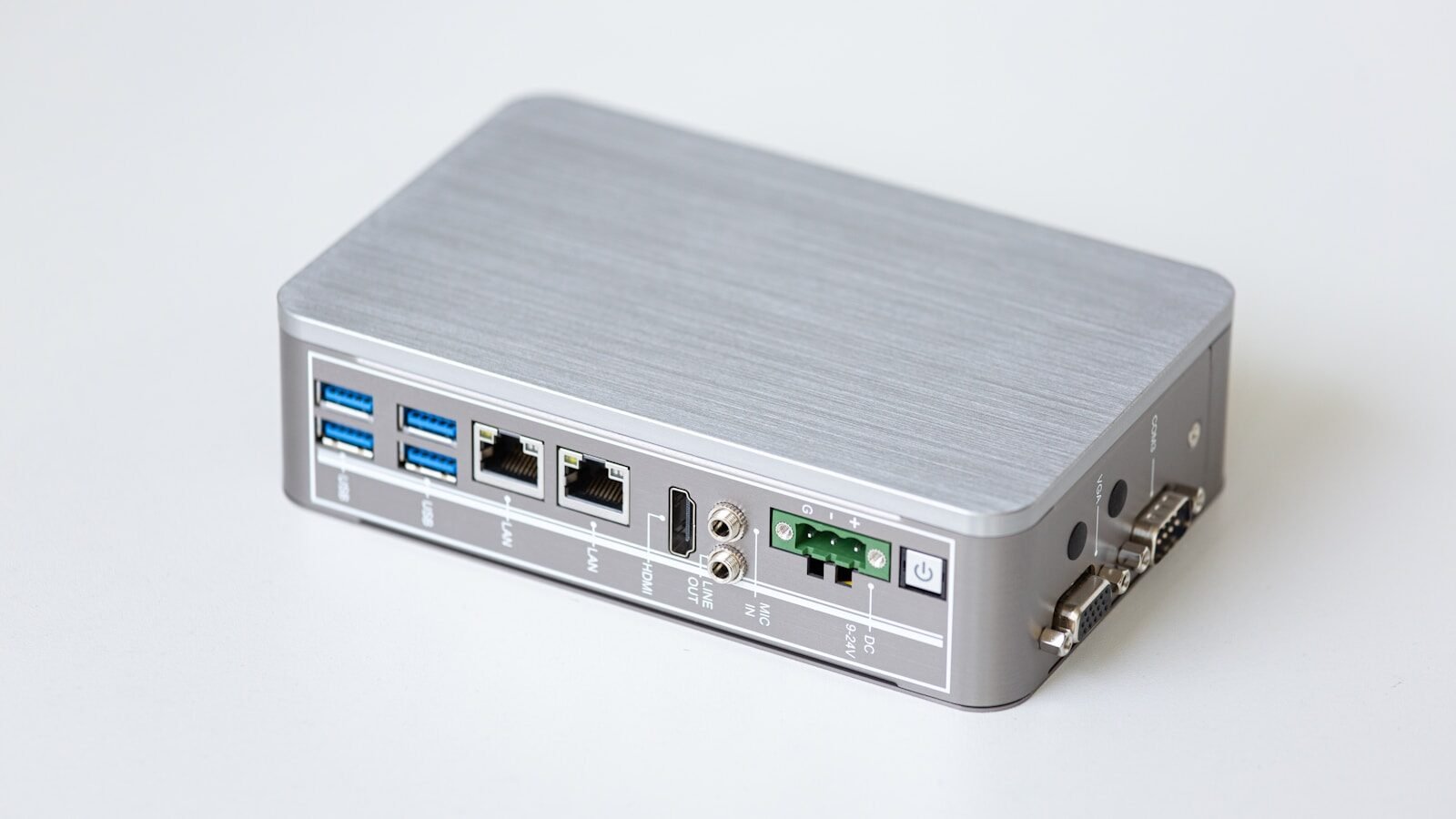
Routers also usually have Ethernet ports. These ports allow devices to connect with cables. Wired connections can be useful for desktop computers, gaming systems, smart TVs, and devices that need stable internet.
A router helps create a local network. This allows devices in the same home or office to communicate. For example, a laptop may send a document to a wireless printer through the router.
Routers also provide basic security features. They help separate your private home network from the wider internet. Many routers include firewall features, Wi-Fi passwords, and settings to manage connected devices.
It is important to use a strong Wi-Fi password. If your router has a weak password, neighbors or strangers may connect without permission. This can slow down your internet and create security risks.
Routers sometimes need restarting. If the internet is slow or devices cannot connect, unplugging the router for about 30 seconds and plugging it back in may fix the problem.
Router placement matters. Place the router in a central location if possible. Avoid hiding it behind metal objects, inside cabinets, or far from the devices that need Wi-Fi. Walls and distance can weaken the signal.
Some routers support different Wi-Fi bands, such as 2.4 GHz and 5 GHz. The 2.4 GHz band usually reaches farther, while 5 GHz can be faster at shorter distances.
Router settings can usually be managed through an app or web page. Users can change the Wi-Fi name, password, security settings, and sometimes parental controls.
In conclusion, a router connects devices, manages network traffic, provides Wi-Fi, and helps users access the internet. It is the digital traffic light of the home network, quietly directing information every second.
Published by: All About Computer Website
Category: Networking