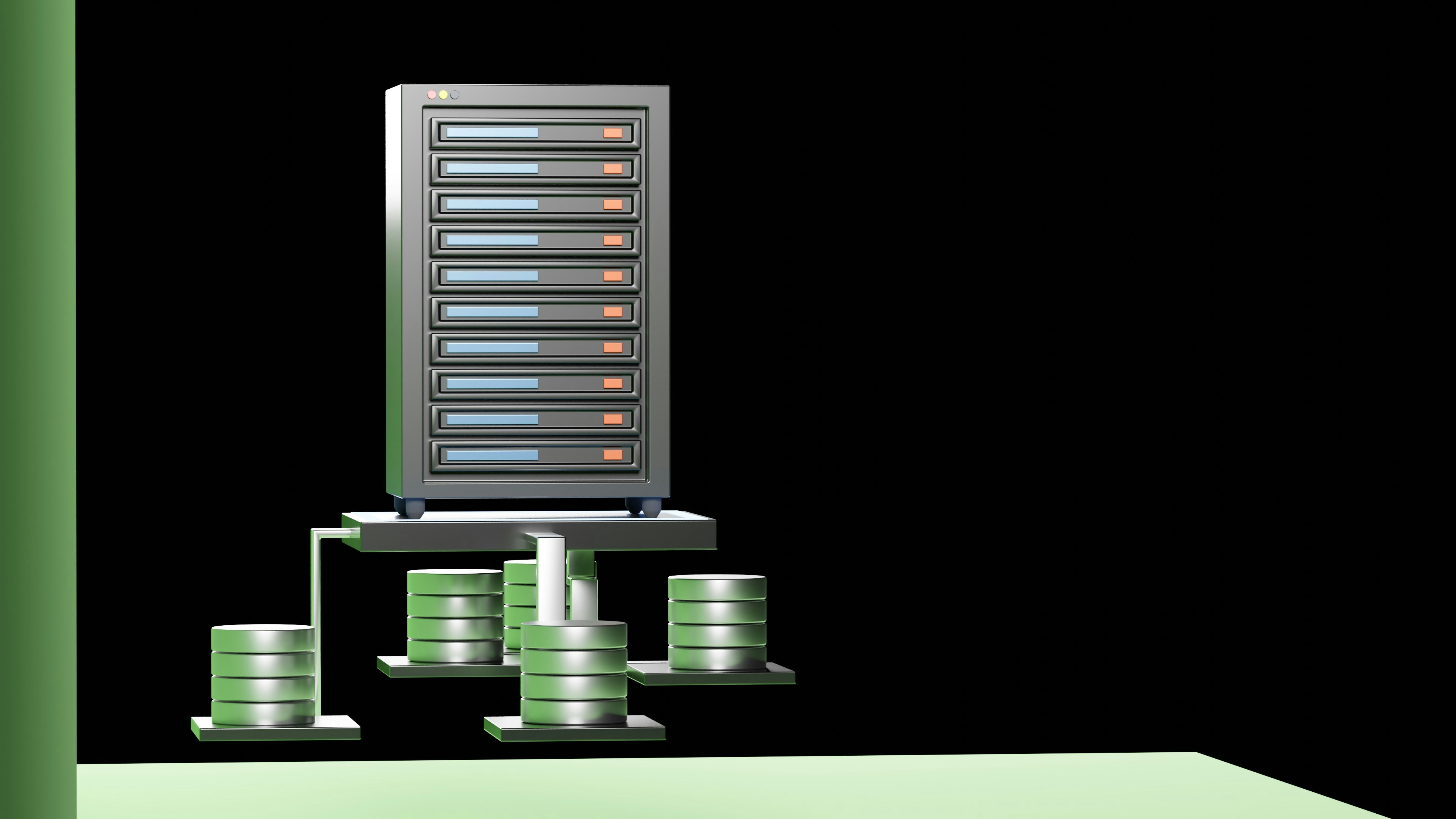
Introduction to Storage Devices
Storage devices are essential components in modern computing, serving as the backbone for data management in personal, educational, and enterprise environments. They provide the means to store vast amounts of information, ensuring that both current and historical data can be accessed as needed. With the exponential growth of digital content, understanding these storage solutions has become paramount for users and IT professionals alike.
The two most prevalent types of storage devices today are Hard Disk Drives (HDD) and Solid-State Drives (SSD). HDDs, having been used for decades, rely on spinning disks coated with magnetic material. Data is written to and retrieved from these disks using read/write heads that move over the disk surface. One of the appealing features of HDDs is their ability to offer large storage capacities at lower prices, making them a cost-effective option for users needing extensive data storage.
Alternatively, SSDs utilize flash memory technology, which allows for faster data access and retrieval due to the absence of moving parts. This results in quicker boot times, reduced loading times for applications, and overall enhanced performance. However, the higher cost per gigabyte compared to HDDs has made SSDs a premium option for users seeking speed and reliability, especially in high-performance computing environments.
Both storage methods serve distinct purposes in various applications, and the choice between HDD and SSD often hinges on the user’s specific needs, such as budget constraints, speed requirements, and capacity expectations. Understanding how these devices work and their respective advantages and disadvantages is key to making informed storage decisions in today’s digital landscape.
What is a Hard Disk Drive (HDD)?
A Hard Disk Drive (HDD) is a traditional data storage device that utilizes magnetic storage to record and retrieve digital information. The primary components of an HDD include platters, which are the circular disks coated with a magnetic material, read/write heads, and a spindle motor. These elements work together to capture and access data stored in a non-volatile format.
HDDs consist of one or more platters stacked upon a central spindle. As the spindle motor spins the platters at high speeds, the read/write heads move across the surface of each platter. This movement enables the heads to magnetically record data to the disk or read existing data from it. The process of storing data involves encoding it into magnetic fields, which allows for maintenance of information even when the power is turned off. This magnetic storage mechanism has played a crucial role in the widespread use of HDDs in computers and other digital devices for decades.
The development of hard disk drives dates back to the 1950s, with IBM being a pioneer in introducing the first commercial HDD, the IBM 305 RAMAC. As technology has evolved, HDDs have become increasingly affordable and capable of storing larger amounts of data. Despite the rise of newer storage technologies, such as Solid-State Drives (SSD), the fundamental principles governing HDDs remain the same. They continue to serve as a popular choice for data-intensive applications, particularly where large volumes of storage are required, such as in enterprise environments and archiving solutions. Their longevity and reliability in the storage market underscore their importance in the evolving landscape of data technology.
Advantages of Using HDDs
Hard Disk Drives (HDDs) are a popular choice for data storage, primarily due to their cost-effectiveness in managing large quantities of information. One of the most significant advantages of HDDs is their ability to provide extensive storage capacities at a lower price per gigabyte compared to Solid-State Drives (SSDs). For users and businesses requiring substantial data storage solutions, such as media files, backups, or archives, HDDs offer a practical and economical choice.
Moreover, HDDs exhibit a high level of reliability when it comes to data archiving. While SSDs have the advantage of speed, the technology behind HDDs allows for stable long-term data storage, especially in situations where the drive is not frequently accessed. Many industries continue to depend on HDDs for archiving vast repositories of information, as they can reliably retain data over extended periods. This makes them an optimal solution for large-scale backups and archival needs, ensuring that crucial data remains accessible and secure over time.
Additionally, HDDs are often utilized in legacy systems, which include older computer infrastructures that may not support newer storage technologies. The compatibility of HDDs with a wide range of devices allows for easier integration within existing systems. Many organizations maintain these legacy systems due to their specific operational needs, and HDDs provide a viable storage option for such environments, enabling them to continue functioning effectively without the need for extensive upgrades.
In certain scenarios, HDDs can be preferable over other storage types, particularly when prioritizing storage volume and cost. For those seeking to maximize storage capacity without substantially impacting their budget, HDDs present a favorable balance of performance and affordability.
Disadvantages of Hard Disk Drives
Despite their widespread use and advantages such as cost-effectiveness and high storage capacity, Hard Disk Drives (HDDs) come with several notable disadvantages that can impact performance and reliability. One of the primary drawbacks of HDDs is their slower read and write speeds compared to Solid-State Drives (SSDs). The performance disparity is especially evident when it comes to booting up the operating system or loading applications. While SSDs can access data in milliseconds due to their lack of moving parts, HDDs, which rely on spinning platters and mechanical read/write heads, often result in longer wait times. This can be a significant consideration for users who prioritize speed in their computing experience.
Moreover, HDDs contain physical moving parts, which inherently increases the potential for mechanical failure. The precision machinery required for data retrieval makes these drives susceptible to breakdown over time. This mechanical nature also limits the lifespan of HDDs, leading users to experience data loss or drive failures, which can pose serious risks to critical data. In contrast, SSDs, being devoid of mechanical components, offer greater durability and a reduced risk of mechanical failure.
Additionally, HDDs are more vulnerable to damage from physical shocks. Activities such as dropping the drive or even sudden movements can cause the read/write heads to crash onto the platters, leading to data corruption or catastrophic failure. This risk is particularly relevant for users who need to transport their drives frequently. While many HDDs are designed with shock-protection features, they cannot completely circumvent the vulnerabilities posed by their mechanical nature. Overall, these disadvantages suggest that while HDDs may serve certain needs, their limitations can severely impact overall performance and reliability in high-demand scenarios.
What is a Solid-State Drive (SSD)?
A Solid-State Drive (SSD) is a type of storage device that utilizes flash memory technology to store data, significantly differentiating it from traditional Hard Disk Drives (HDDs). Unlike HDDs, which depend on spinning magnetic disks to read and write data, SSDs have no moving parts. Instead, they retrieve information from interconnected flash memory chips, leading to faster data access and retrieval times. This key technological difference allows SSDs to deliver remarkable performance improvements over traditional HDDs.
The rapid evolution of SSD technology has driven its adoption across various sectors, from consumer electronics to enterprise solutions. Initially introduced in the late 1970s and early 1980s, SSDs were limited by their high cost and lower storage capacities. However, advancements in NAND flash memory have made SSDs more affordable and capable of holding larger amounts of data. Today, the storage capacities offered by SSDs rival those of HDDs, making them a viable option for many users seeking better performance without sacrificing storage space.
As a result of their enhanced speed and durability, SSDs have become increasingly popular among both casual users and professionals. They provide quicker boot times for operating systems, faster application loading, and improved file transfer speeds. Moreover, since SSDs have no mechanical components, they are less susceptible to physical damage, which enhances their longevity compared to HDDs. This combination of performance and reliability has made SSDs the preferred choice for gamers, content creators, and businesses alike, solidifying their place in the ever-evolving storage market.
Advantages of Using SSDs
Solid-State Drives (SSDs) have become increasingly popular due to their numerous advantages over traditional Hard Disk Drives (HDDs). One of the most significant benefits of using SSDs is their remarkable speed. SSDs provide faster data access and boot times, allowing users to load applications, games, and operating systems in a fraction of the time it would normally take with an HDD. This speed translates into enhanced productivity for professionals, gamers, and everyday users alike.
Another noteworthy advantage of SSDs is their lower power consumption. Because SSDs do not contain moving parts, they consume less power compared to HDDs, which rely on mechanical components to read and write data. This efficiency results in extended battery life for portable devices, making SSDs an ideal choice for laptops and tablets. Moreover, lower power consumption contributes to reduced heat generation, further improving the overall longevity of the drive.
In addition to their speed and energy efficiency, SSDs are notably more resistant to physical shock. The absence of mechanical components means that SSDs can withstand impacts and vibrations better than traditional HDDs. This characteristic is especially crucial for mobile devices and laptops, where users often transport their equipment. The improved durability of SSDs helps protect valuable data and minimizes the risk of drive failure due to physical damage, which is a common occurrence with HDDs.
The advantages of SSDs make them particularly well-suited for specific applications, such as gaming and professional environments. In gaming, the faster load times and improved performance can significantly enhance the user experience, whereas professionals benefit from quick file access and efficient multitasking. Overall, the combination of speed, power efficiency, and durability makes SSDs a compelling choice for users seeking reliable storage solutions.
Disadvantages of Solid-State Drives
Despite the considerable advantages that solid-state drives (SSDs) offer, they also present several disadvantages that potential users should consider before making a purchase. One of the most significant drawbacks of SSDs is their higher cost per gigabyte compared to traditional hard disk drives (HDDs). This premium pricing often makes SSDs less appealing for users requiring high-capacity storage solutions, particularly in large-scale data centers or among budget-conscious consumers. Consequently, users may opt for HDDs to meet their storage needs without incurring prohibitive expenses.
Another concern associated with solid-state drives is their limited write endurance. SSDs utilize NAND flash memory, which has a finite number of program/erase cycles that can be performed before the cells begin to wear out. As a result, this wear leveling process can lead to potential data loss over time, especially in scenarios involving heavy writing tasks. While many manufacturers have developed technology to extend the lifespan of these drives, users engaging in write-intensive applications may find HDDs to be more resilient in such cases.
Moreover, data recovery from a failed SSD can pose a significant challenge. Unlike HDDs, which have mechanical components that can be accessed for recovery purposes, SSDs rely on complex data structures and memory cells. In the event of drive failure, retrieving data can become costly and difficult, potentially leading to permanent data loss. This aspect makes SSDs a less suitable option for critical data storage, where data integrity is of utmost importance. Understanding these limitations can help users make more informed decisions regarding their storage requirements, ensuring they choose the most appropriate solution for their specific use cases.
HDD vs. SSD: Key Comparisons
When considering storage solutions, two of the most prevalent types are Hard Disk Drives (HDDs) and Solid-State Drives (SSDs). Each has unique characteristics that determine their suitability for various applications. Understanding these differences is essential for making informed decisions about storage options.
Performance is arguably the most significant aspect distinguishing HDDs from SSDs. SSDs utilize flash memory, allowing for faster data access and retrieval speeds, often surpassing 500 MB/s, while traditional HDDs typically provide speeds ranging from 80 to 160 MB/s. This difference in speed makes SSDs an ideal choice for applications that require quick boot times and rapid loading of programs, such as gaming or graphic-intensive tasks.
Capacity is another critical factor. HDDs generally offer larger storage sizes at a lower cost, which can be advantageous for users needing extensive storage for data-intensive applications, such as video editing or large databases. While SSDs are now available in larger capacities, they typically come at a premium, making them less cost-effective for high-capacity needs.
Durability is another consideration. SSDs have no moving parts, making them more resistant to physical shocks and vibrations compared to HDDs, which are susceptible to mechanical failure due to their spinning disks. This makes SSDs a better option for mobile devices or environments where storage drives may experience substantial movement.
Cost-effectiveness is vital in evaluating the two storage options. As of 2023, HDDs remain the more budget-friendly choice concerning price per gigabyte. However, as technology advances, the price gap is narrowing; SSD prices are gradually decreasing while offering improved performance and reliability.
Finally, the choice between HDD and SSD often depends on usage scenarios. For users requiring swift performance for tasks like gaming or software development, SSDs are typically preferred. In contrast, for bulk storage of large files where speed is less critical, HDDs may be the better option. Ultimately, identifying specific needs is crucial for selecting the most appropriate storage type.
Conclusion and Future of Storage Technology
The exploration of hard disk drives (HDDs) and solid-state drives (SSDs) reveals a landscape characterized by distinct advantages and challenges inherent to each storage technology. HDDs, with their mechanical components, continue to offer substantial storage capacities at lower costs, making them ideal for large data repositories. In contrast, SSDs boast speed and durability, meeting the increasing demand for quicker data access and transfer rates essential in modern computing environments.
As we look towards the future of data storage, emerging technologies are set to redefine the landscape. Innovations such as non-volatile memory express (NVMe) and storage-class memory (SCM) are progressively enhancing performance metrics that both HDDs and SSDs currently present. NVMe leverages the capabilities of SSD technology, allowing faster data transfer rates and significantly reducing latency. Meanwhile, SCM aims to bridge the gap between traditional storage solutions and memory, offering the persistence of storage with the speed of RAM.
The concept of hybrid storage systems is gaining traction as well. These systems combine the strengths of HDDs and SSDs, allowing users to have rapid access to frequently used data while storing larger volumes of less frequently accessed information on HDDs. This approach not only addresses efficiency but also optimizes costs and space, allowing for better resource management in various applications, from personal computing to enterprise solutions.
As digital data continues to surge, driven by trends such as cloud computing and the Internet of Things (IoT), the evolution of storage technology will play a critical role. Adaptations in both HDD and SSD technology are imperative to meet the increasing requirements for speed, capacity, and reliability, shaping a future where data management is more efficient and accessible than ever before.